The clearest written LPDP upload requirements come from the official LPDP User Manual for the 2022 cycle: every document must be a PDF of at most 1 MB, ZIP and RAR files are not allowed, file names are capped at 90 characters, and the formal 4x6 cm profile photo may be at most 512 KB. Those numbers belong to 2022. For the 2026 intake, LPDP sends applicants to the application at beasiswalpdp-terintegrasi.kemenkeu.go.id and to each programme's booklet, so the limit shown in the upload form during your own cycle is what counts. The safe approach is to keep every PDF comfortably under 1,000,000 bytes, keep file names short, and then match the validation message in the form.
This guide is written for Indonesian applicants wherever they are, including those finishing a degree or working in India, Europe, or elsewhere who are scanning documents abroad. Everything below uses Dokurapi, which processes files in your browser, on your device, without uploading them.
What the official LPDP sources actually say
Section "I. Mengunggah Dokumen" (uploading documents) of the 2022 manual lists eight points. The ones that matter for file preparation:
| Rule | LPDP User Manual 2022 | Status for 2026 |
|---|---|---|
| Document format | Check the 2026 upload form | |
| Document size | Max 1 MB per file | Historical example, not a confirmed 2026 figure |
| Archives | ZIP/RAR not allowed | Check the 2026 upload form |
| File name length | Max 90 characters | Historical example, still a sensible habit |
| Profile photo (account registration) | 4x6 cm, face to half body, max 512 KB | Historical example |
The same manual says uploaded documents must be scans of valid original documents, that KTP (ID card) and KK (family card) scans must be of the originals, that you can re-upload after an upload error, and that each successful upload produces a download link. If your previous degree was completed abroad, the manual asks for the diploma number to be the decree (SK) number printed on your Indonesian equivalency (penyetaraan) document, not the number on the foreign certificate.
Why not simply say "the 2026 limit is 1 MB"? Because we could not find a publicly accessible 2026 document that states it. The LPDP general policy page only says 2026 applicants complete and upload all required documents in the application, with details in each programme's booklet. Publishing an unverified number would be worse than publishing none.
Ready to try it? The tool is free and runs in your browser.
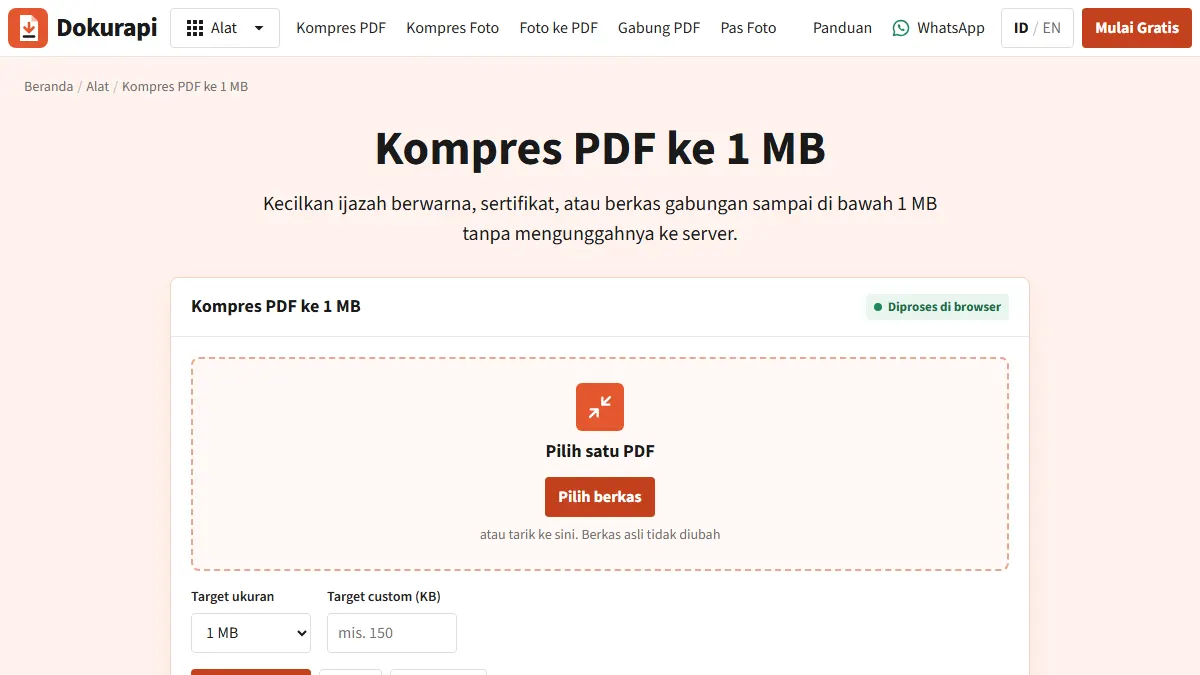
Open the Compress PDF to 1 MB toolWhat changed for the 2026 intake
The official Phase 2 2026 announcement lists changes that affect your document list:
- The Personal Statement essay was dropped and replaced with a structured "Profil Diri" (self profile).
- The commitment essay stays, with a maximum of 1,500 words.
- An English certificate is no longer required if you hold an Unconditional LoA that meets LPDP's rules.
- The Duolingo English Test was added alongside TOEFL ITP/iBT, PTE, and IELTS.
The announcement also asks applicants not to submit in the last hours before the deadline, to avoid system problems. That advice matters more if you are in a different time zone: the 2026 Phase 2 window on the policy page ran from 30 June to 31 July 2026, and a deadline set in Jakarta time arrives earlier than you might expect if you are working from Europe or the Americas.
One line on the policy page deserves attention: an appeal (sanggah) after the administrative selection cannot replace information in the documents you submitted at registration. A blurry or wrong file cannot be fixed later. The only time to get it right is before you submit.
How many bytes is "1 MB"?
There are two conventions. Decimal: 1 KB = 1,000 bytes and 1 MB = 1,000,000 bytes. Binary: 1 KB = 1,024 bytes and 1 MB = 1,048,576 bytes. Windows File Explorer uses the binary count but still labels it "KB", so a file of exactly 1,000,000 bytes shows as roughly 977 KB. A file that Explorer reports as 990 KB is about 1,013,760 bytes, which is over a decimal 1 MB limit.
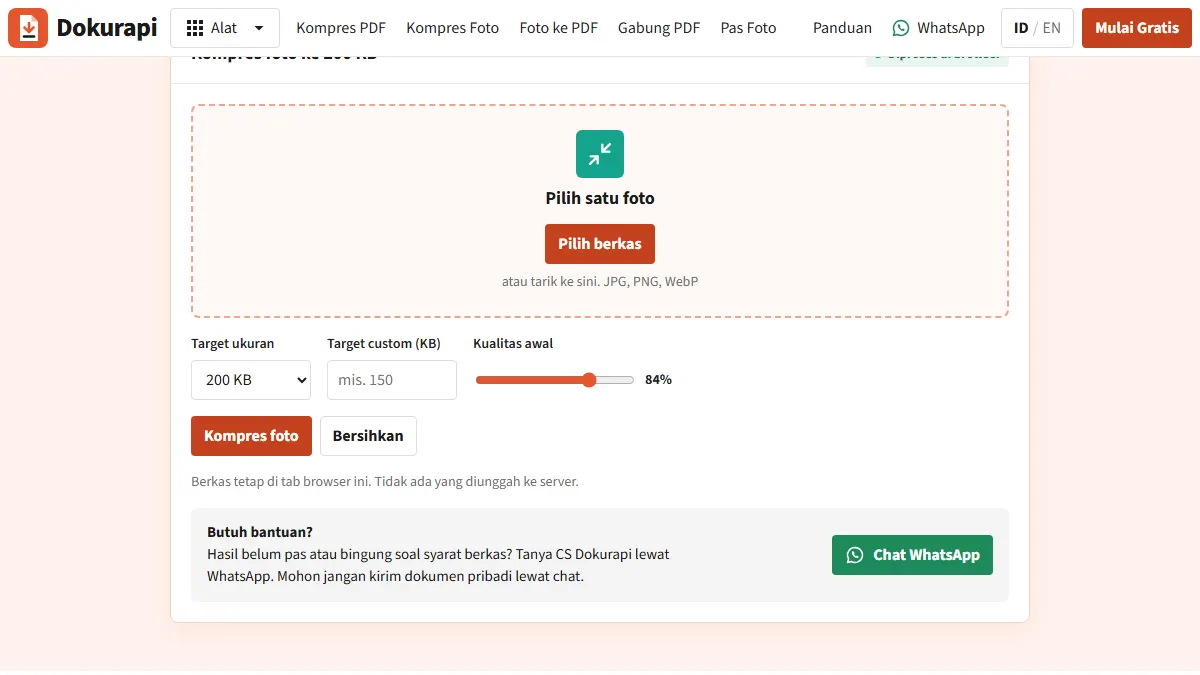
Dokurapi always counts 1 KB as 1,000 bytes and then takes 6% off the target as a safety margin. For a 1 MB target, the tool aims for at most 940,000 bytes, which passes under either convention. For the 512 KB photo limit, the Compress Photo to 500 KB tool aims for 470,000 bytes, still under 512,000. A few kilobytes of headroom costs nothing visible and removes the guesswork.
Step by step: preparing LPDP PDFs with Dokurapi
- Measure first. Open Check PDF Size. If a file is already under 940,000 bytes and sharp, leave it alone.
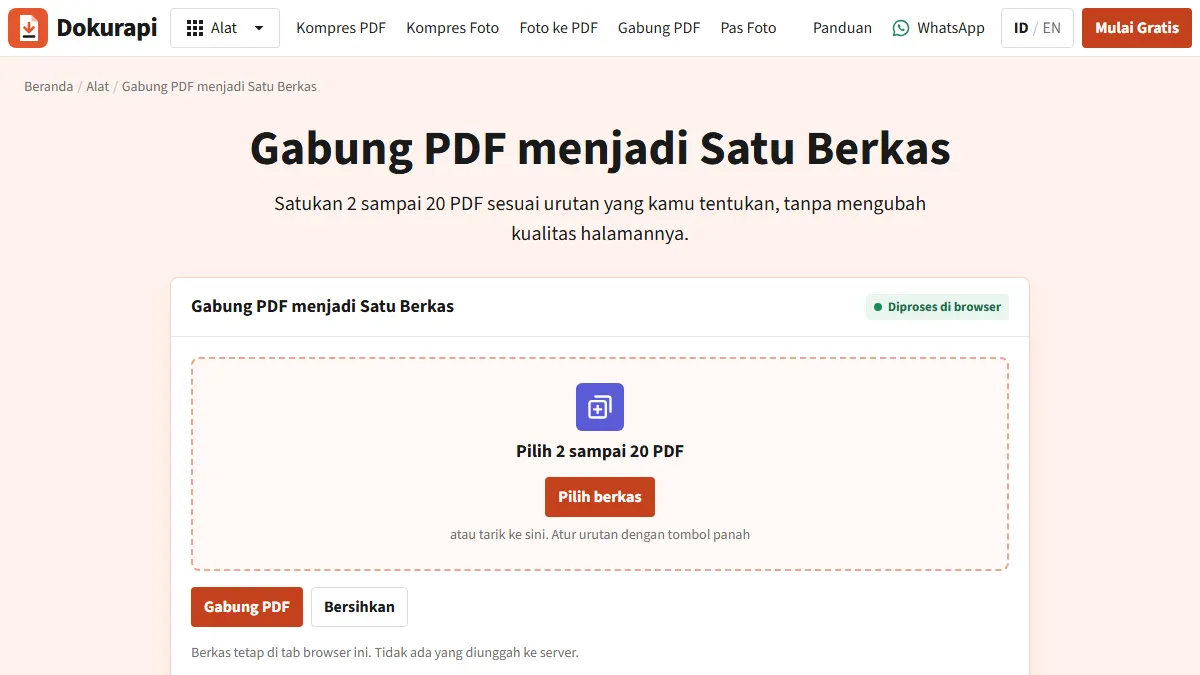
- Merge multi-page scans. A transcript scanned page by page should become one ordered PDF. Use Merge PDF.
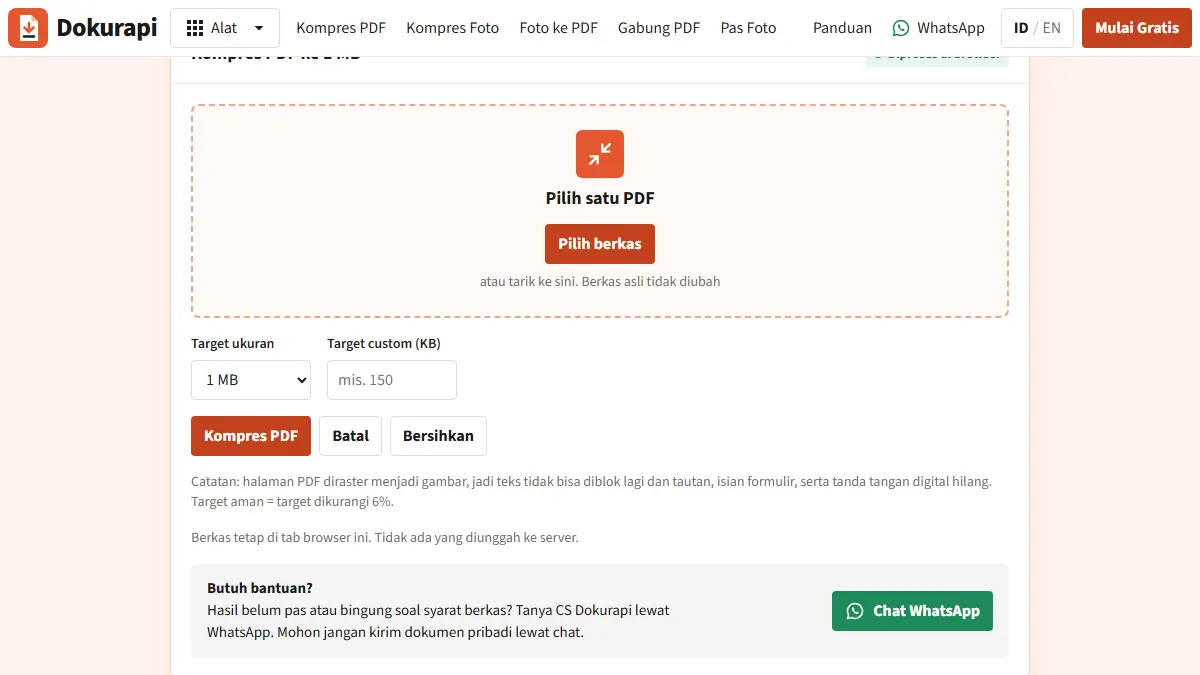
- Compress to 1 MB. Open the Compress PDF to 1 MB tool and run it. It renders each page as an image and tries several resolution and JPEG quality combinations until the result is under the safe target.
- Read the status. You will see the original size, the output size, and whether the safe target was reached. A compressed file that still misses the target is reported as such, not as a success.
- Check legibility at 100% zoom. Diploma number, GPA, grades, dates, and stamps must all be readable.
- Rename. Something like
Transcript_S1_Rina_Pratiwi.pdf(30 characters) is clear and well under 90. - Upload, then download it back from the link the application shows, and confirm it is the right file.
Because pages are re-rendered as images, text in the output can no longer be selected or searched, and any embedded digital signature is removed. For scanned paper documents this changes nothing. For digitally signed PDFs, read the troubleshooting section first. There is more detail in our guide to compressing a PDF to 1 MB.
Troubleshooting
Text turned blurry
1 MB is generous for a one-page diploma but tight for an eight-page transcript, which leaves roughly 117 KB per page. Do not push quality lower. Rescan at 150 to 200 dpi rather than 600, in grayscale for black-and-white documents, with the page flat and evenly lit. A clean source compresses small and stays sharp.
Still over the limit
Remove blank or duplicate pages, consider whether full colour is needed, and check whether the original scan resolution is excessive. Do not split one document across several files unless the form gives you separate slots.
The output is bigger than the input
This happens with very efficient originals, such as 1-bit black-and-white scans from an office copier. Re-rendering them as JPEG adds bytes. Keep the original.
Digitally signed transcripts and certificates
Many universities, in Indonesia and abroad, now issue e-transcripts and certificates as signed PDFs. Render-based compression strips the signature even though a printed QR code stays visible. If the original is under the limit, upload it unchanged. If it is too large, ask LPDP's official help centre whether a compressed copy is acceptable before you use one.
Profile photo rejected
Phone photos are usually several megabytes. Crop to a 4:6 ratio first, then compress.
Pre-submit checklist
- Every PDF under 940,000 bytes, or under whatever the upload form in your cycle states.
- No ZIP or RAR files.
- Short, plain file names, far below 90 characters.
- Diploma number legible (or the equivalency SK number for a foreign degree).
- Transcript complete, GPA visible, pages in order.
- Language certificate valid, if one is required for you.
- Recommendation letters and statements within their validity period under LPDP's rules.
- KTP and KK scanned from originals.
- Every file downloaded back from the application and checked.
- Your programme booklet read, since required documents differ by programme.
Honest limits
Dokurapi shrinks and measures files. It is not affiliated with LPDP and cannot guarantee that the application accepts a file. The current form, the current booklet, and the verifier's reading of your documents decide that. Our view: aim for the most legible file under the limit, not the smallest one. A 300 KB blurry transcript is no safer than a 900 KB sharp one; both pass the size check, only one passes verification. Your files stay in your browser throughout, so delete leftover copies from your Downloads folder when you are done, especially on a shared computer.
Frequently asked questions
What is the maximum file size for LPDP document uploads?
Can I upload LPDP documents as JPG or ZIP files?
How long can an LPDP file name be?
What diploma number do I enter if my degree is from abroad?
Can I fix a wrong document during the appeal (sanggah)?
Does compressing with Dokurapi remove digital signatures?
Sources
- LPDP scholarship registration User Manual 2022 (document upload section)
- LPDP scholarship general policy 2026
- LPDP announcement: Phase 2 2026 registration opens
- Bantuan LPDP (official help centre)
Need help?Result not quite right, or unsure about a form rule? Ask Dokurapi support on WhatsApp. Please do not send personal documents in chat.
Chat on WhatsApp