The SSCASN upload file size limit is set per document field, not as one number for the whole application, and the system rejects any file that goes over the limit. As an example, the 2023 CPNS FAQ published by BKN (Indonesia's civil service agency) lists 200 KB for the red-background photo, the selfie and the KTP (ID card) as JPG/JPEG, 800 KB for the diploma plus teaching or registration certificate as PDF, and 500 KB for the academic transcript as PDF. Those are 2023 examples. For a current recruitment round, the agency announcement and the label next to each upload field on SSCASN are the final authority.
This guide is written for applicants who read better in English: Indonesians abroad, international-school graduates, and anyone helping a family member apply. It explains how to read the limits, how to turn them into a safe byte target, and how to avoid the three classic failures: blurry text, files that stay too big, and an e-meterai that silently breaks after compression.
SSCASN file size examples from the 2023 CPNS FAQ
The SSCASN 2023 CPNS FAQ answers "which documents, what size and what file type" with the list below. The last column shows the target Dokurapi aims for after its 6% safety margin.
| Document (2023 CPNS FAQ example) | Format | Maximum | Dokurapi safe target |
|---|---|---|---|
| Pas foto with red background | JPG/JPEG | 200 KB | about 188 KB (188,000 bytes) |
| Swafoto (selfie) | JPG/JPEG | 200 KB | about 188 KB |
| KTP (national ID card) | JPG/JPEG | 200 KB | about 188 KB |
| Ijazah + serdik/STR (diploma plus certificate) | 800 KB | about 752 KB (type 800 in the custom KB box) | |
| Transkrip nilai (transcript) | 500 KB | about 470 KB | |
| Surat penugasan guru (THK-2 teachers) | 500 KB | about 470 KB |
BKN adds a note under the list: upload requirements differ according to each agency's own requirements. So treat the table as a pattern, not a promise. For PPPK (contract civil servant) recruitment the 2023 PPPK technical FAQ is even less specific. It lists only the file types and says the file size can be seen in the system, which means the number shown beside each upload button after you log in is the one that counts.
Ready to try it? The tool is free and runs in your browser.
Open the Compress Photo to 200 KB toolWhy a 200 KB target becomes 188 KB
A file that your laptop calls "196 KB" can still be rejected by a 200 KB field. The reason is two competing definitions of a kilobyte:
- Decimal: 1 KB = 1,000 bytes, so 200 KB = 200,000 bytes. Dokurapi uses this definition.
- Binary: Windows Explorer divides by 1,024 but still prints "KB". A file shown as 196 KB can be 200,704 bytes, which is over 200,000.
Portals rarely say which definition they use, so Dokurapi takes the safe route. It computes the target in decimal bytes and subtracts 6%: 200,000 × 0.94 = 188,000 bytes. A file that size passes either way, with room left for rounding. The quick formula is limit × 1,000 × 0.94, which gives 470,000 bytes for a 500 KB field and 752,000 bytes for 800 KB. After downloading, check the exact byte count in the file's Properties (Windows) or Get Info (macOS), not the rounded KB figure.
The same arithmetic applies to any portal that states its limit in KB, so the habit is worth keeping beyond SSCASN.
Preparing each document with Dokurapi
Every Dokurapi tool runs inside your browser. Your ID card, diploma and transcript are not uploaded to a server.
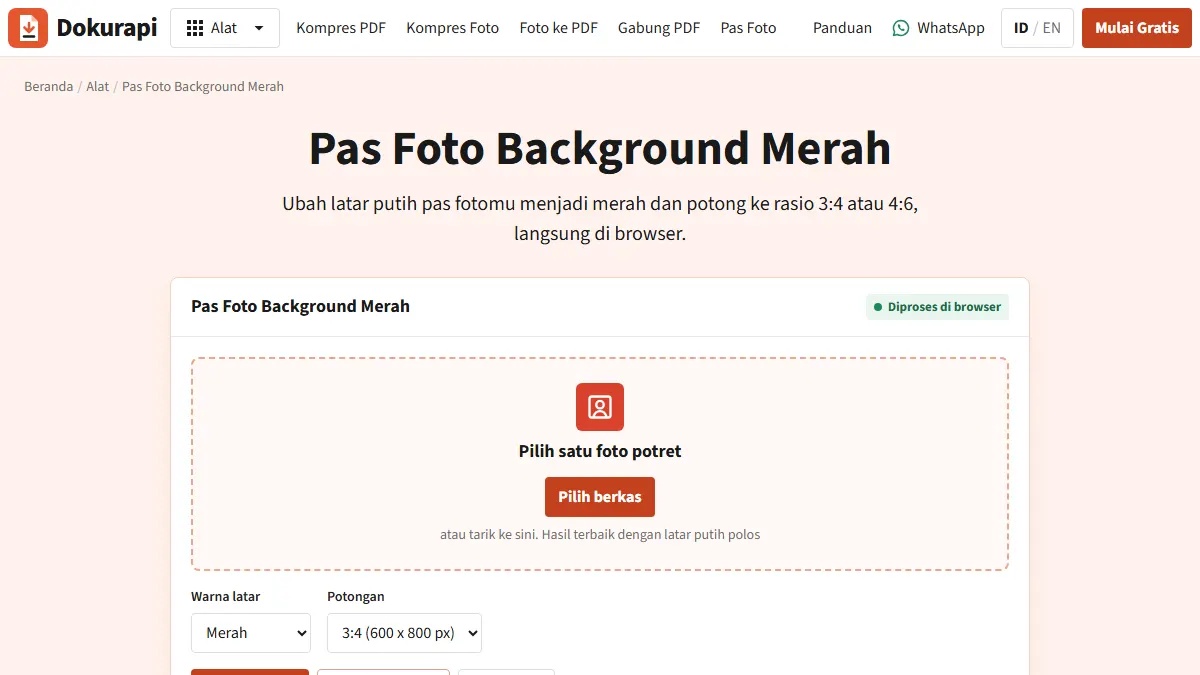
- Red-background photo. If your photo has a plain white background, open the red background ID photo tool, choose 3:4 or 4:6 as the announcement requires, and download. It only replaces near-neutral white pixels, so a grey or patterned background needs a reshoot against a white wall.
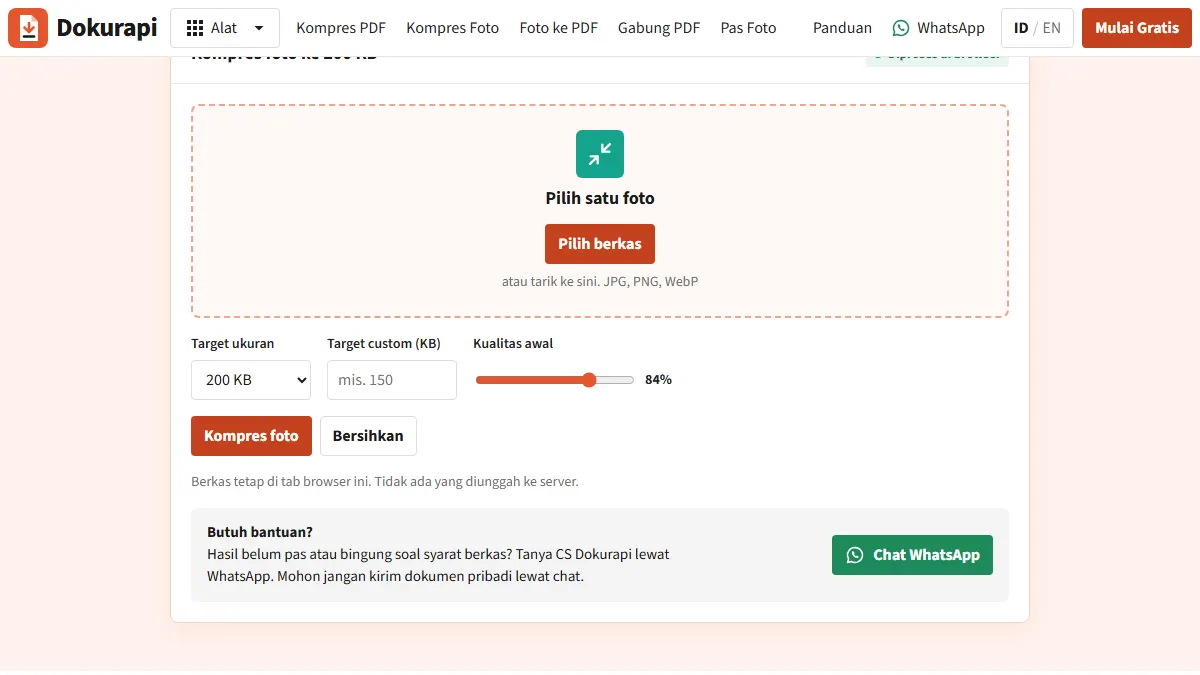
- Compress the photo. Open Dokurapi's Compress Photo to 200 KB tool. The result panel shows original size, output size and whether the safe target was reached. Zoom to 100% and check the face for blocky JPEG artefacts.
- KTP and selfie. Photograph the card on a dark surface in even light, crop the edges, then compress with the same tool. The NIK (ID number) must stay readable.
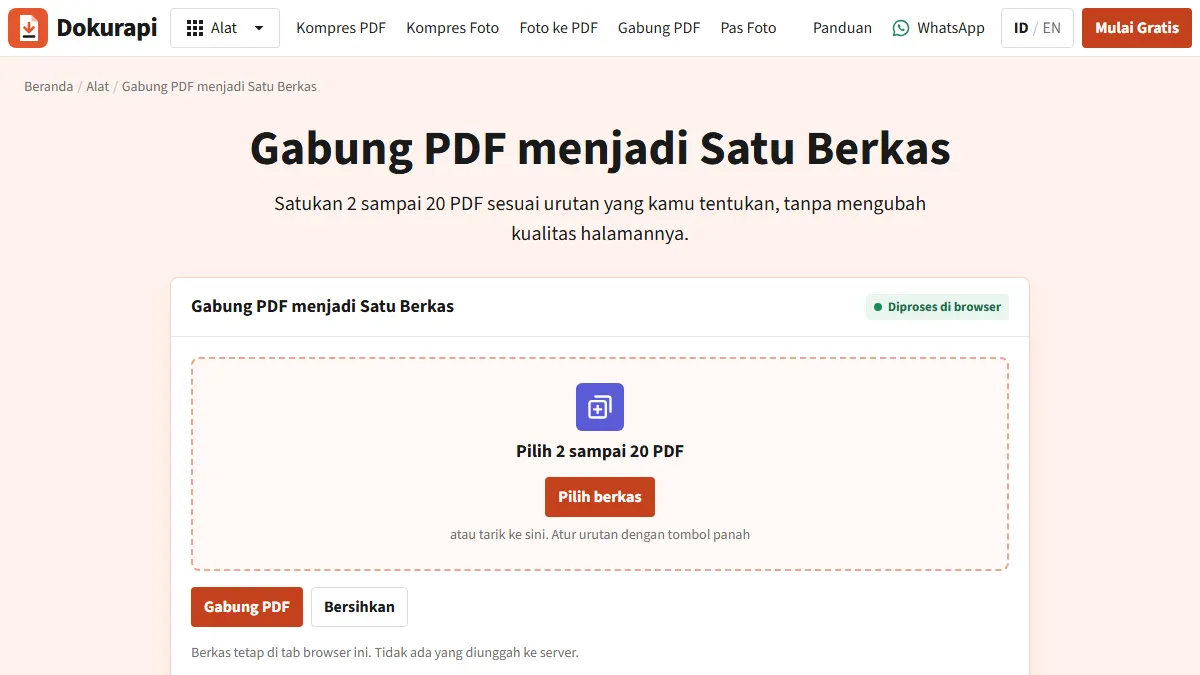
- Diploma plus certificate. The 2023 example puts both in one field, so combine them first with Merge PDF (diploma on page one), then compress the merged file with a custom 800 KB target.
- Transcript. Use Compress PDF to 500 KB, then zoom to 150% and confirm the GPA, course names and stamp are legible.
A cleaner source always compresses better. If you are scanning with a phone, turn off the flash, let the paper fill the frame, hold the camera parallel to the page, and use the scanner app's document or black-and-white mode for transcripts and diplomas. That mode drops the yellowish paper tone and the background noise that eat bytes. Keep colour mode for the photo, because the red background has to show. And always recompress from the original file, never from an already compressed copy, since artefacts stack up with each pass.
Compress first, then add the e-meterai
Many agencies ask for a statement letter with a meterai (Indonesian revenue stamp). The 2023 PPPK technical FAQ describes the official order when a wet signature and an e-meterai are combined: sign the paper, scan it to PDF, then apply the e-meterai.
The trap is the next step. Dokurapi's PDF compressor renders each page to an image and rebuilds the PDF from those images. That works well for scanned documents, but it removes every digital signature in the file, the e-meterai included. The stamp graphic is still visible, while the electronic signature behind it is gone. So the safe order is: sign, scan, compress below the limit with headroom, apply the e-meterai, then check the size and do not compress again. If the stamped file ends up over the limit, go back to the scan and compress to a lower target.
Troubleshooting
Text is blurry after compression
The PDF tool tries several page scales and JPEG quality levels and keeps the first result that fits. If the text still blurs, fix the source: rescan in grayscale or black and white, crop empty margins, and avoid angled phone photos with hand shadows.
The file is still too big
When the status says the target was not reached, you still get the smallest version the tool produced. Page count is the usual cause. Check for blank reverse sides that were scanned by accident and pages the field did not ask for.
Text can no longer be selected
Expected. After rasterisation each page is an image. Verifiers read documents visually, so legibility matters more than selectable text.
Upload fails even though the size is right
BKN's FAQ suggests refreshing the page, clearing history, cache and cookies, and using a stable connection. Also check the extension: photos must be .jpg or .jpeg, not .png or .heic straight from a phone.
Checklist before you click Akhiri Pendaftaran
According to the 2023 CPNS FAQ, uploaded documents can still be replaced until you click "Akhiri Pendaftaran" (finish registration). After that, data cannot be corrected on SSCASN. Before that click, confirm:
- Every file is under its field limit in bytes, not just in rounded KB.
- Formats match: JPG for photos, PDF for documents.
- Name, NIK, diploma number and GPA are readable when zoomed in.
- Merged PDFs are in the right order with no blank pages.
- Stamped documents were compressed before the e-meterai, never after.
- The photo background colour and ratio match the agency announcement.
What Dokurapi cannot promise
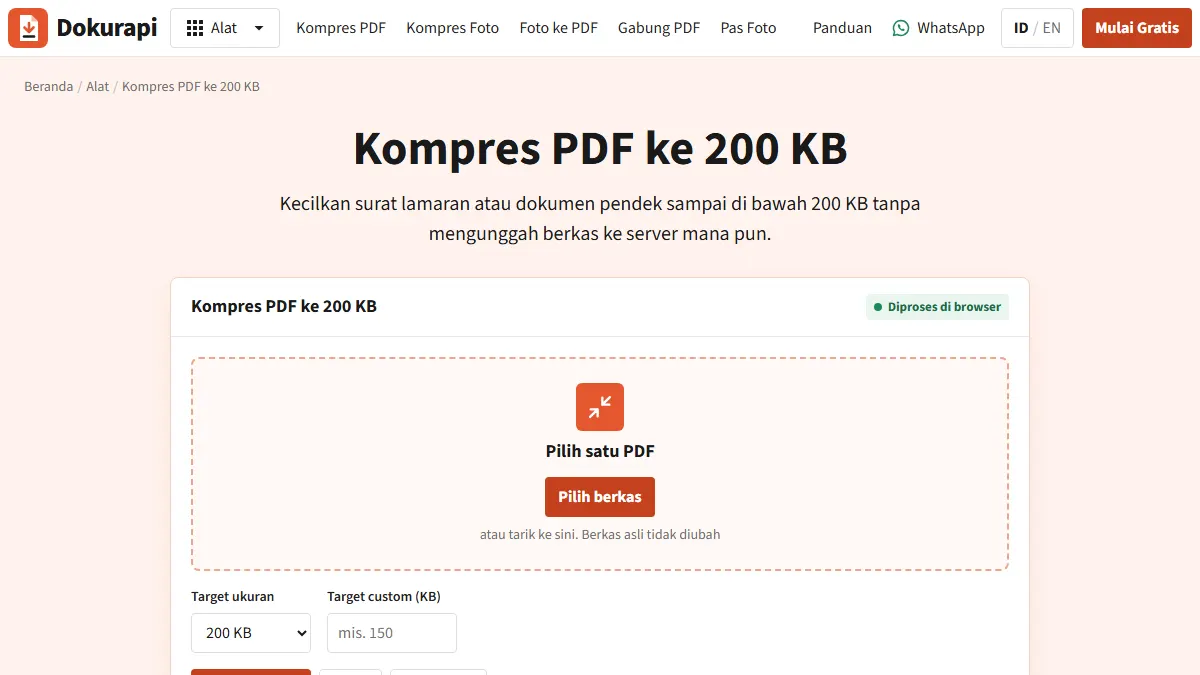
Dokurapi helps a file get under a size limit and stay readable. It cannot guarantee that the portal or the verifying officer will accept the document, because acceptance also depends on content, validity and agency-specific rules. The numbers above come from the 2023 FAQ. For the round you are applying to, open the official SSCASN portal and the agency announcement, and follow them wherever they differ from this page. For more on hitting small PDF targets, see compress PDF to 200 KB.
Frequently asked questions
What is the maximum file size for SSCASN uploads?
Why was my 200 KB file rejected?
Are PPPK file sizes the same as CPNS?
Does an e-meterai survive PDF compression?
Can I replace a document after uploading it?
Sources
- BKN: SSCASN 2023 CPNS FAQ (document sizes and file types)
- BKN: SSCASN 2023 PPPK technical FAQ (file types and e-meterai)
- Official SSCASN portal (BKN)
Need help?Result not quite right, or unsure about a form rule? Ask Dokurapi support on WhatsApp. Please do not send personal documents in chat.
Chat on WhatsApp