The core SNBP upload requirements are simple once you strip away the noise. According to the official SNBP 2026 registration guide, achievement evidence (sertifikat or piagam) is uploaded as PDF, PNG or JPG with a maximum of 2 MB per file, and each student can enter up to three achievements. Arts and sports programmes add a portfolio, built from an official PPT template and, for some fields, an MP4 video. SNBP 2026 has already closed, so treat these as the 2026 rules and check the next guide on the SNPMB site when it is published.
SNBP (Seleksi Nasional Berdasarkan Prestasi) is Indonesia's school-report-based admission route into state universities and polytechnics. This English guide is for international-school students, families abroad and counsellors who need the rules without wading through Indonesian PDFs.
What the 2026 documents actually say
SNPMB, the national admissions committee, publishes its documents on the SNPMB downloads page. Three of them matter for files:
| Item | Required? | Format | Stated limit |
|---|---|---|---|
| Achievement evidence | Optional, up to 3 | PDF, PNG, JPG | 2 MB (registration guide); 100 MB (registration briefing slides) |
| Arts and sports portfolio | Required only by programmes that ask for it | PPT from the official template, plus MP4 video for some fields | 100 MB (registration briefing slides) |
| Scans inside the Fine Arts, Design and Craft portfolio | Part of that portfolio | JPEG or PNG placed on PPT slides | At least 150 KB per file at 2610 × 3960 pixels |
The guide adds that any other format is rejected when you save, and that once you upload an achievement the description field becomes mandatory. Its sample description packs rank, number of participants, event, level and organiser into one sentence, which is a good template to copy.
Two practical points about that description. First, every detail you write should be checkable against the certificate itself. If the certificate does not state how many participants there were, leave that number out rather than estimating it. Second, the other fields (achievement field, level, individual or team, year and awarding body) should match the uploaded file exactly. The guide also notes that achievements should fit the field and level relevant to the programme you are applying for, so a smaller number of well-matched achievements is a better use of the three slots than unrelated ones.
Ready to try it? The tool is free and runs in your browser.
Open the Compress PDF to 1 MB tool2 MB or 100 MB? Use the stricter number
The documents disagree. The registration guide says 2 MB for achievement evidence, while the February 2026 SNBP registration briefing slides say PDF/PNG/JPG/JPEG up to 100 MB for achievements and 100 MB for portfolios. Nobody outside the committee can tell which value the live system enforces. A file under 2 MB passes both, so treat 2 MB as the ceiling for achievement evidence. A well-scanned single certificate never needs more.
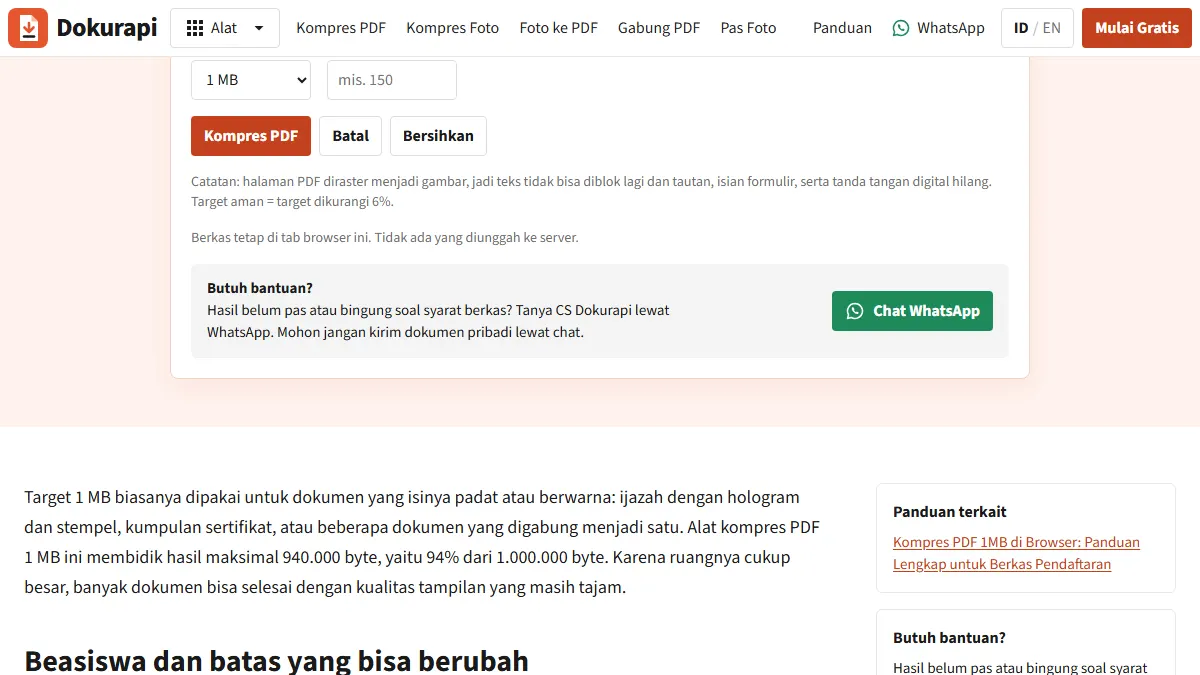
In bytes, 2 MB is 2,000,000 under the decimal definition and 2,097,152 if the system counts in 1,024s. Dokurapi works in decimal bytes and subtracts a 6% safety margin, so a 2 MB target becomes 1,880,000 bytes. It is the same logic that turns a 200 KB limit into a target of about 188 KB: land comfortably under the limit under either definition and rounding cannot catch you out.
The 2026 timeline, for planning
The same slides give the 2026 schedule: schools filled in PDSS (the school data system) from 5 January to 2 February, students registered from 3 to 18 February, universities selected from 19 February to 30 March, and results were announced on 31 March 2026. Future dates may change, but the student window was only about two weeks. Scan and tidy every certificate before it opens. The slides also advise using a computer for portfolio uploads and not uploading close to the deadline.
Preparing achievement evidence step by step
Dokurapi tools run in your browser, so certificates are not sent to a server.
- Capture the certificate. Flat surface, no flash, paper filling the frame. Your name, the event, level, date and the organiser's signature must be readable.
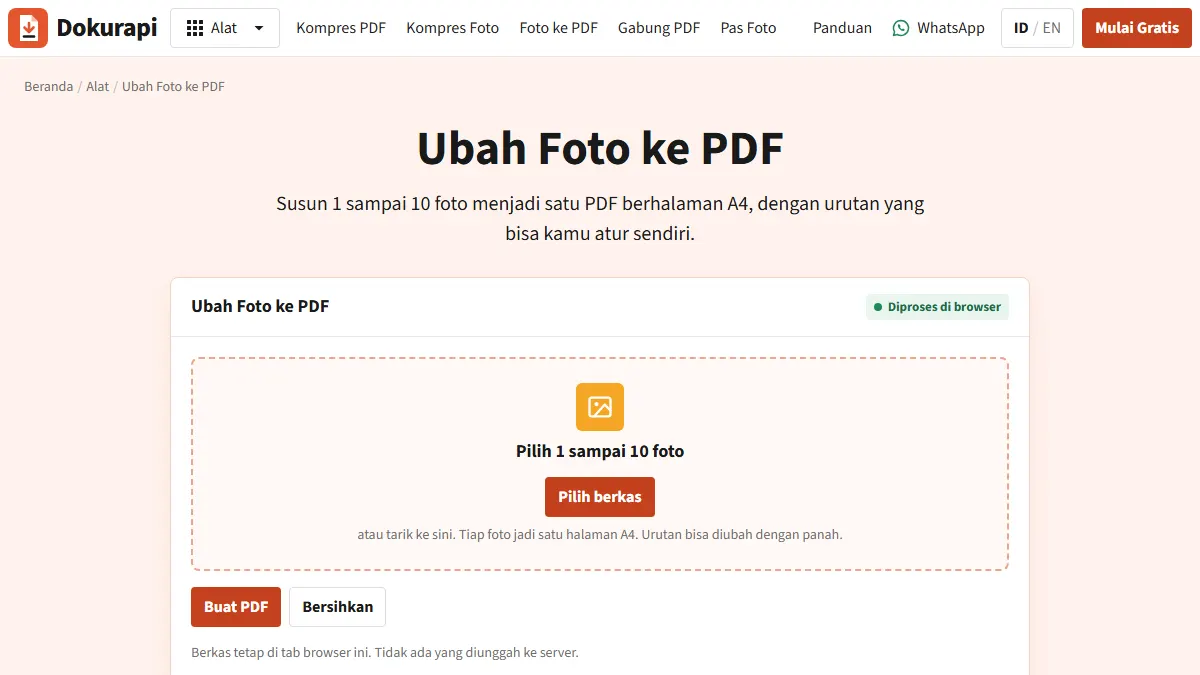
- Choose a format. A single-page certificate can go up as a JPG. If one achievement has two pages, such as a certificate plus a winner's letter, combine them with Photo to PDF, because each achievement has one upload slot.
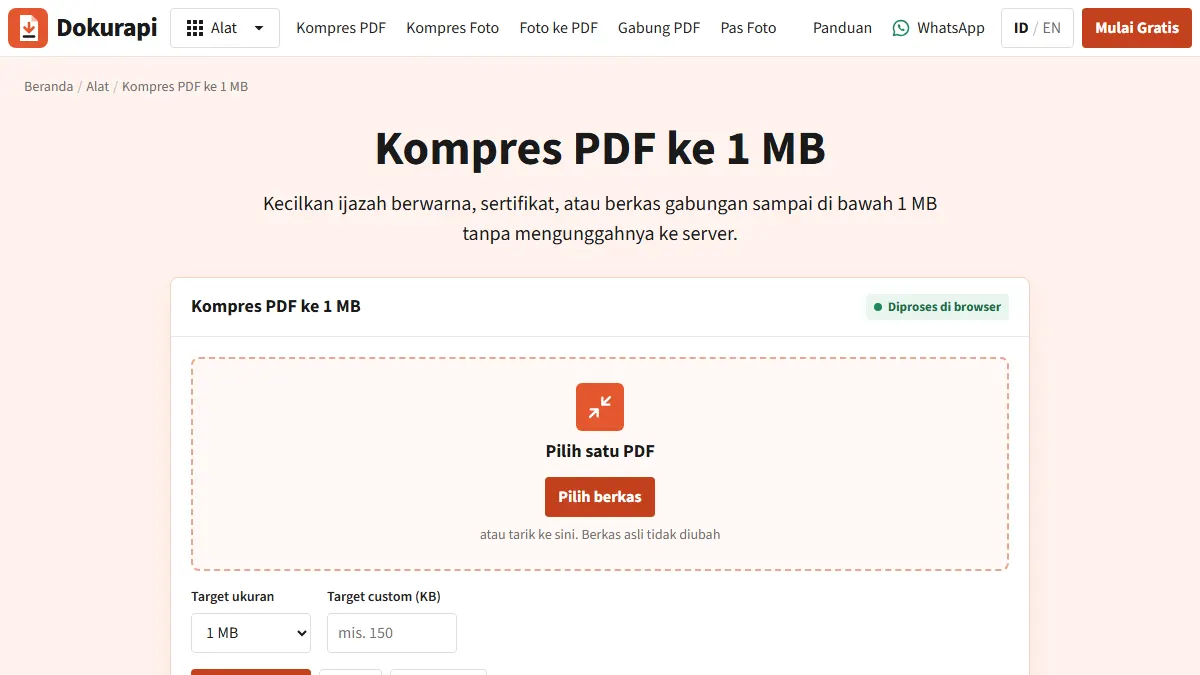
- Shrink only if needed. For a JPG, open Compress Image and type 2000 in the custom KB box. For a PDF, use Compress PDF to 1 MB, which leaves extra headroom under the 2 MB ceiling.
- Check legibility. Zoom to 150%. If the name or date breaks up, start again from the original with a looser custom target such as 1500 KB.
- Upload, then download it back. The guide recommends downloading the saved file from the Unduh Bukti Prestasi column to confirm the right document went up.
A note on formats: PNG suits screenshots of e-certificates with flat backgrounds, but a camera photo saved as PNG is usually much larger than the same photo as JPG. And if the organiser issued a PDF that is already under 2 MB, upload it as it is.
Portfolios: where Dokurapi helps and where it does not
The SNPMB 2026 general portfolio guide defines 11 portfolio groups, including Sports, Fine Arts, Design and Craft, Dance, Music, Theatre, Photography, and Film and Television. Each has its own content list, usually a PPT built on the official template plus MP4 performance videos for performing arts and sport. Students who choose two programmes from different groups must upload two portfolios.
The 2026 portfolio briefing lists mistakes that can lead to disqualification: using last year's PPT template, restyling the template or replacing it with your own, skipping the template entirely, and uploading video in the wrong format, for example MOV instead of MP4.
To be clear about limits: Dokurapi does not process PPT files or MP4 video. There is also a trap for the Fine Arts, Design and Craft group. Its 2026 work instructions set a minimum, not a maximum: each scan must be at least 150 KB at 2610 × 3960 pixels, in JPEG or PNG. Dokurapi's image compressor caps the longest side at 2400 pixels, which would push those scans below the required resolution. Place full-resolution scans straight into the template and skip the compressor for this group.
Troubleshooting
- Blurry certificate after compression: the source photo is usually the problem. Reshoot in even light and compress from the original, never from an already compressed copy.
- Rejected file that looks small: check the extension. iPhone photos are often HEIC, which is not PDF, PNG or JPG. Convert to JPG or wrap it in a PDF first.
- Text cannot be selected in the compressed PDF: Dokurapi's PDF compressor renders each page as an image, which also strips any digital signature. For an e-certificate whose authenticity depends on its signature, upload the original if it is already under 2 MB.
- Portfolio disappeared: per the guide, switching to a programme without a portfolio requirement before finalisation deletes the uploaded portfolio. Keep local copies.
Checklist before finalisation
The guide is explicit that after finalisation nothing can be cancelled or changed for any reason. Before you click, confirm:
- Each achievement file is under 2 MB in bytes and is PDF, PNG or JPG.
- No more than three achievements, each with a description, field, level, individual or team, year and awarding body.
- The portfolio uses the current year's template and videos are MP4.
- Fine Arts, Design and Craft scans meet the minimum resolution.
- You downloaded every saved file back from the application and checked it.
Honest limits
Dokurapi helps files fit under a size limit and stay readable. It cannot guarantee acceptance: universities assess the content and completeness of what you submit. The figures here come from official 2026 SNBP documents, and the next guide on the SNPMB downloads page overrides them wherever they differ. If you want to know how browser-only processing works, read how Dokurapi's browser tools work.
Frequently asked questions
What is the file size limit for SNBP achievement certificates?
How many achievements can I upload to SNBP?
Does SNBP accept JPG or only PDF?
What format does an SNBP portfolio use?
Can I change files after finalising SNBP registration?
Sources
- SNPMB: SNBP 2026 registration guide (PDF, Indonesian)
- SNPMB: SNBP 2026 registration briefing slides (PDF, Indonesian)
- SNPMB: 2026 general portfolio guide (PDF, Indonesian)
- SNPMB: 2026 portfolio briefing (PDF, Indonesian)
- SNPMB: Fine Arts, Design and Craft portfolio work instructions 2026 (ZIP)
- SNPMB downloads page
Need help?Result not quite right, or unsure about a form rule? Ask Dokurapi support on WhatsApp. Please do not send personal documents in chat.
Chat on WhatsApp