File Preparation Articles, Page 4
Practical guides for compressing PDFs and photos, ID photos, and portal upload rules. The current portal rule is always the final authority.
Showing articles 28 to 36 of 41, newest first. Page 4 of 5.
How to Check File Size Before Uploading: PDFs and Photos on Any Device
Read the exact byte count on a laptop or phone, understand why a "493 KB" file can still fail a 500 KB limit, and fix oversized files before the portal rejects them.
Compress PDF to 200KB: A Safe Way Under Upload Limits
Shrink a PDF below 200 KB without uploading it, understand the 188 KB safe target, and check the file before you submit an application.
Compress PDF to 500KB for Transcripts and Applications
Bring a PDF under 500 KB in your browser, budget bytes per page, and keep grades and numbers readable for the reviewer.
Compress PDF to 1MB Without Uploading Your File
A practical guide to getting a PDF under 1 MB in the browser, why the safe target is 940 KB, and what to do when the result is blurry or still too big.
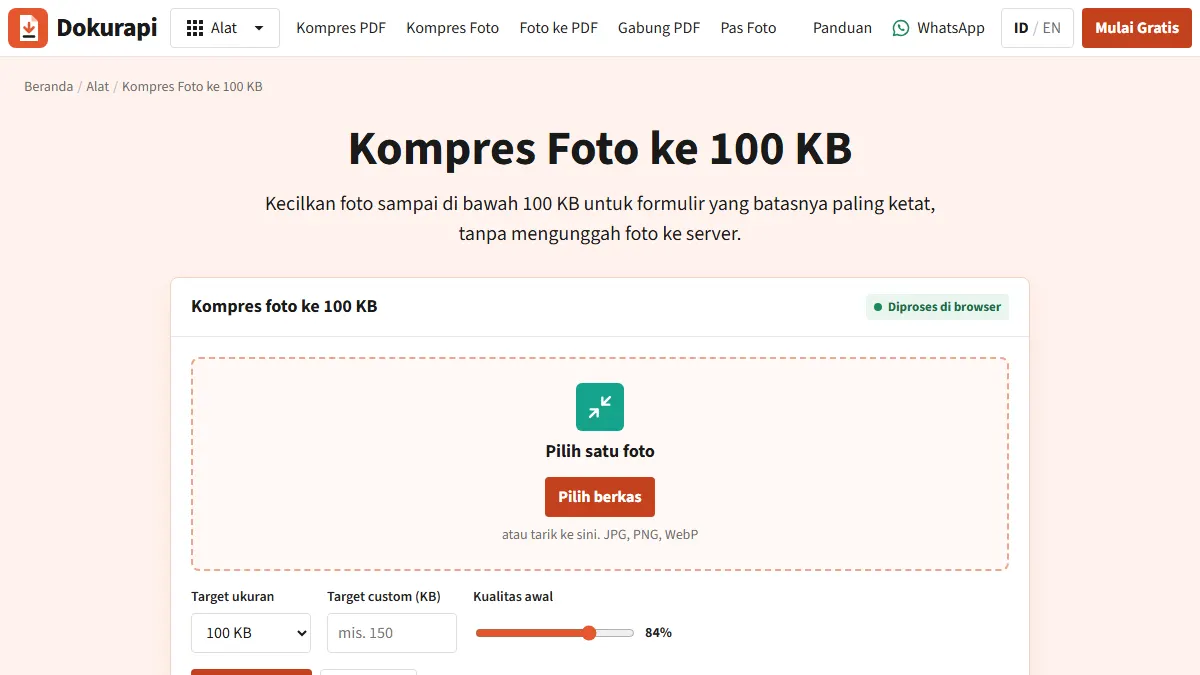
Compress Image to 100KB Without Uploading It Anywhere
A practical guide to getting photos, signatures and ID scans under 100 KB in the browser, with real exam portal size rules and fixes for files that will not shrink.
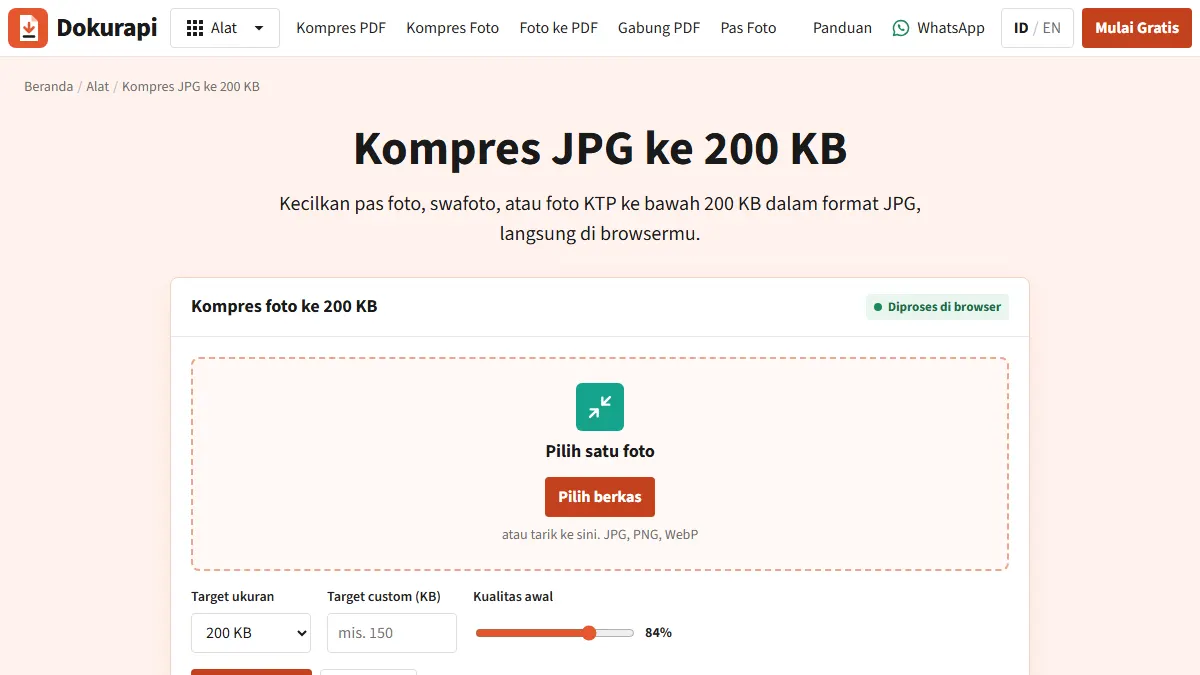
Compress JPG to 200KB for Application Photos and ID Scans
Get a photo or ID scan under 200 KB in the browser, understand the 188 KB target, and check the other rules that exam and job portals attach to photo uploads.
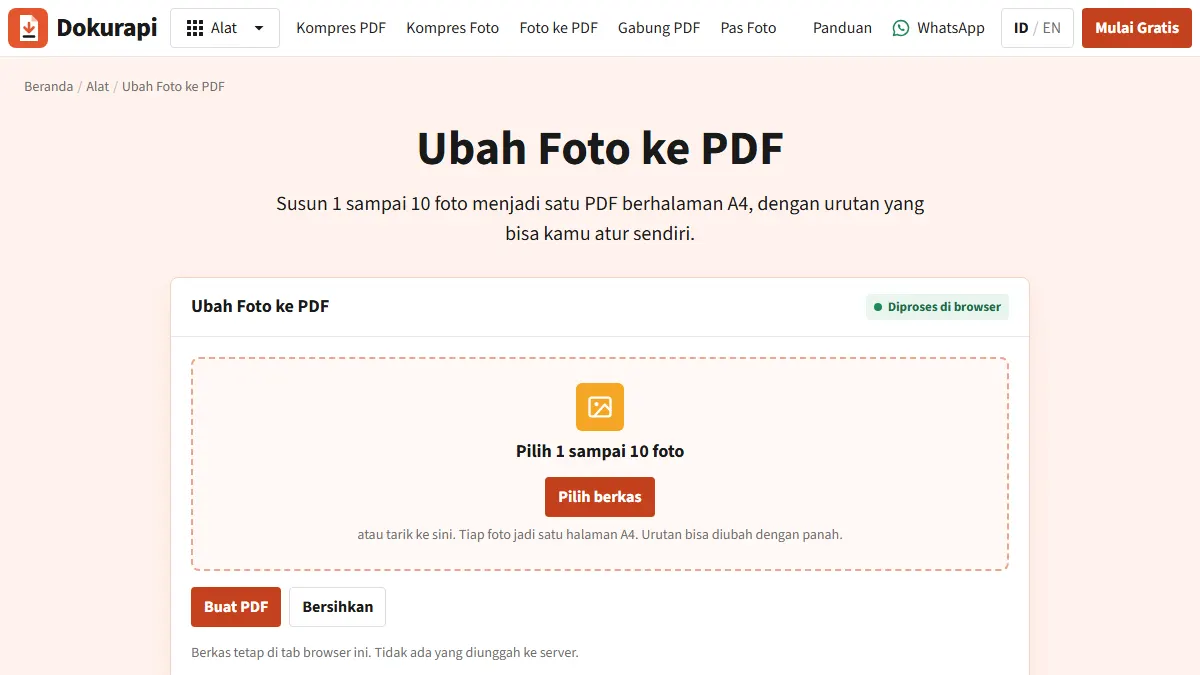
Photo to PDF: Turn Phone Pictures of Documents into a Clean PDF
How to convert photos of certificates, mark sheets, and IDs into one readable PDF that stays under an application portal's size limit.
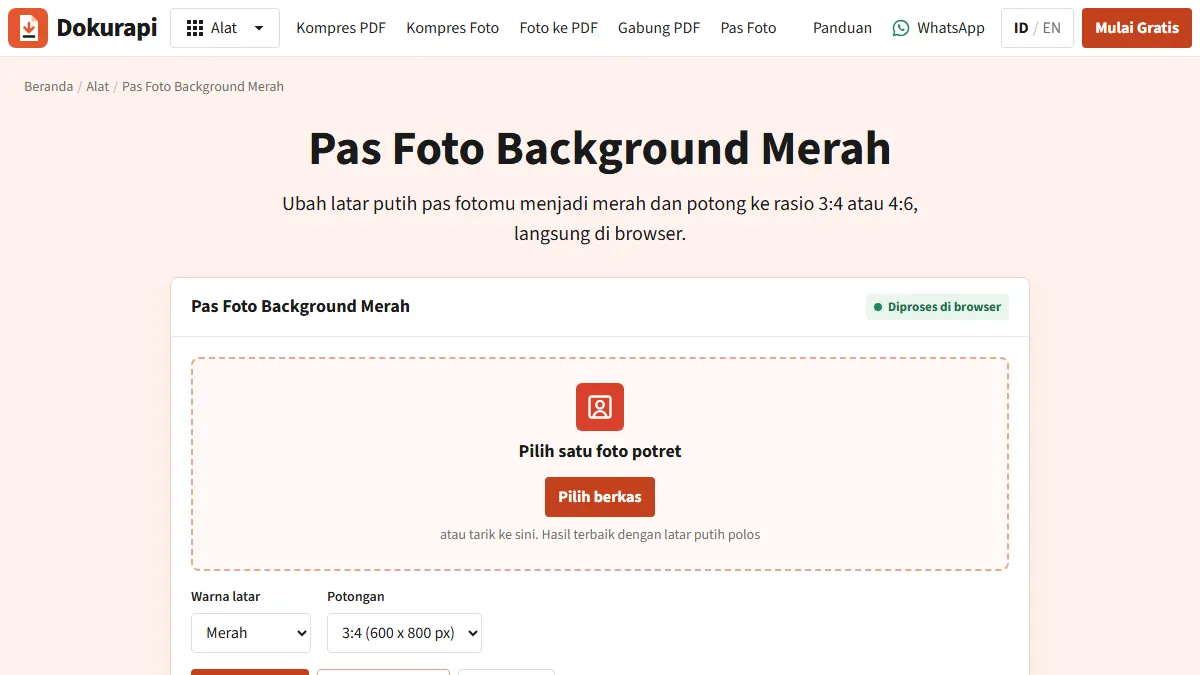
Red Background Passport Photo: How to Make One in Your Browser
Turn a photo taken against any plain wall into a red background ID photo, crop it and fit the file size, without uploading your face anywhere.
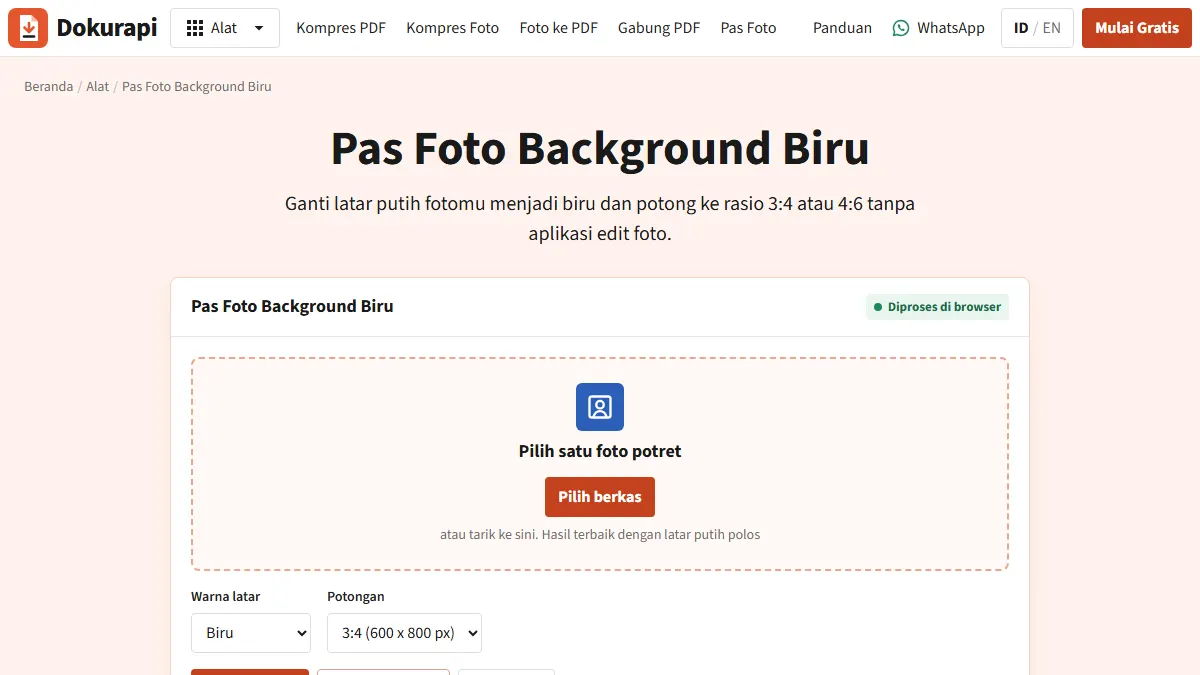
Blue Background Passport Photo: How to Make One, and When Not to Edit
Swap a plain wall for blue in your browser, then check whether your form, like Indonesia's online SIM renewal, requires an original blue backdrop.
Need help?Result not quite right, or unsure about a form rule? Ask Dokurapi support on WhatsApp. Please do not send personal documents in chat.
Chat on WhatsAppTry Dokurapi for Free
No account needed. Pick a tool, drop in a file, and download the result, free.