File Preparation Articles, Page 3
Practical guides for compressing PDFs and photos, ID photos, and portal upload rules. The current portal rule is always the final authority.
Showing articles 19 to 27 of 41, newest first. Page 3 of 5.
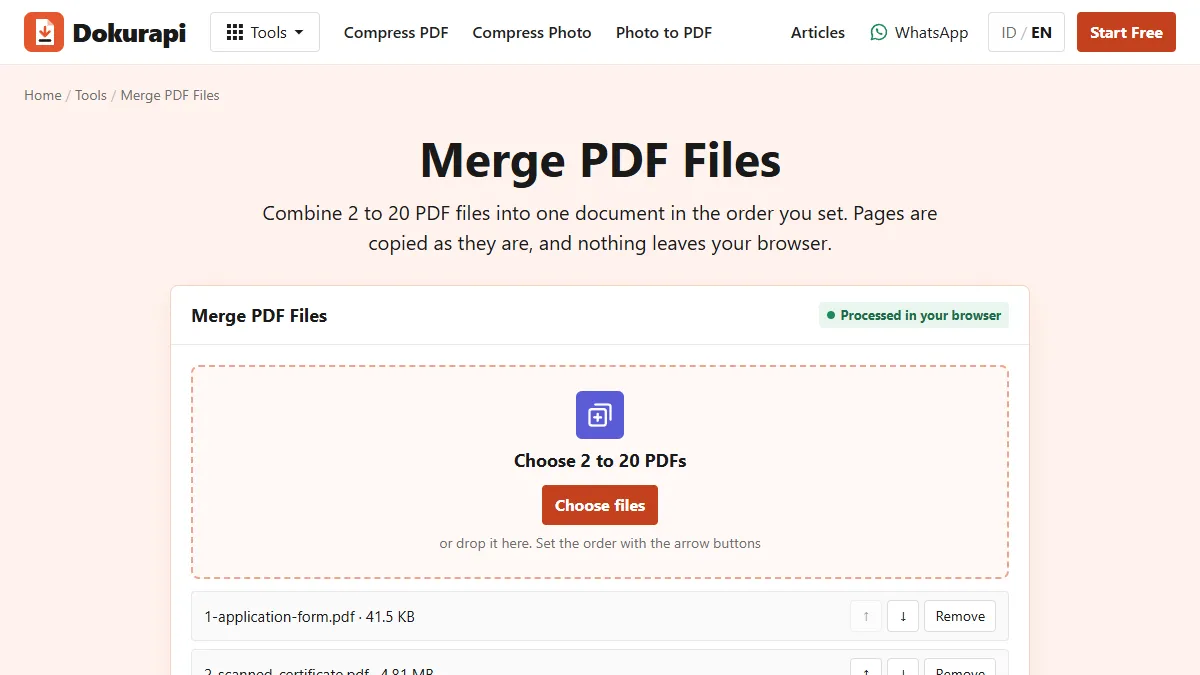
How to Combine PDF Files in the Right Order and Under the Size Limit
Many forms want one PDF, not five. We combined three test files in the live tool, checked the page count and size, and compared two ways of getting the result under a limit.
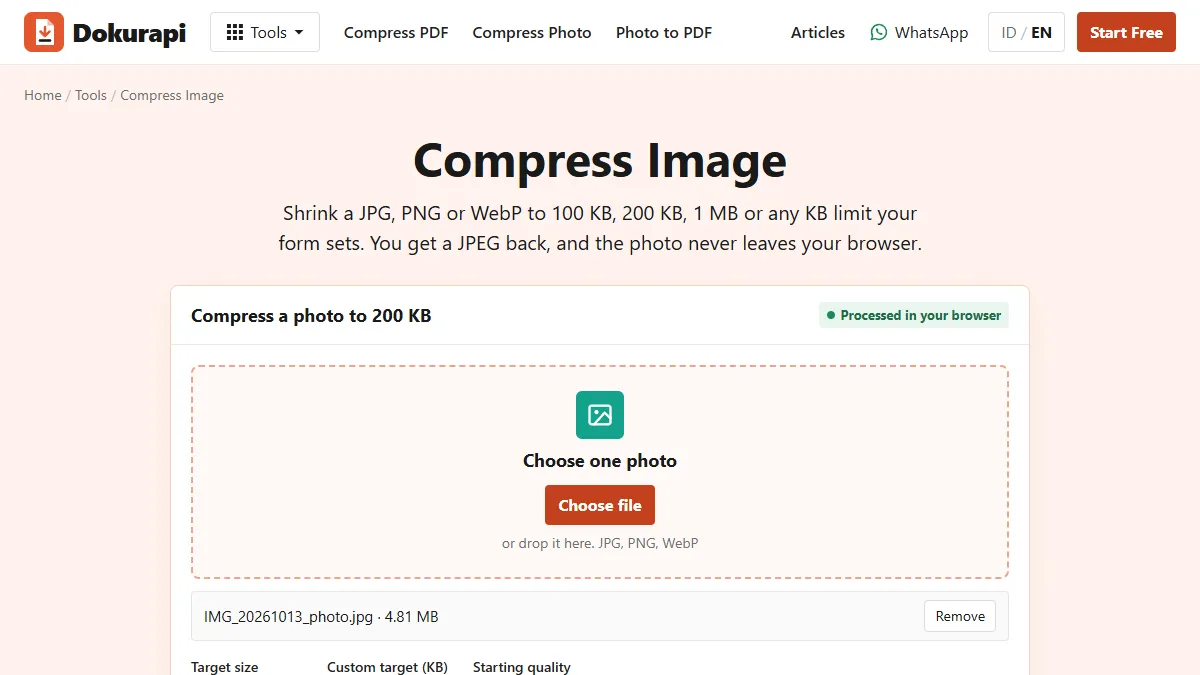
How to Compress Image Files to the Size a Form Asks For
A photo straight from a phone is often several megabytes, while upload forms ask for 100 KB, 200 KB or 1 MB. We ran one 4.81 MB test photo through the live tool at four targets and measured every downloaded file.
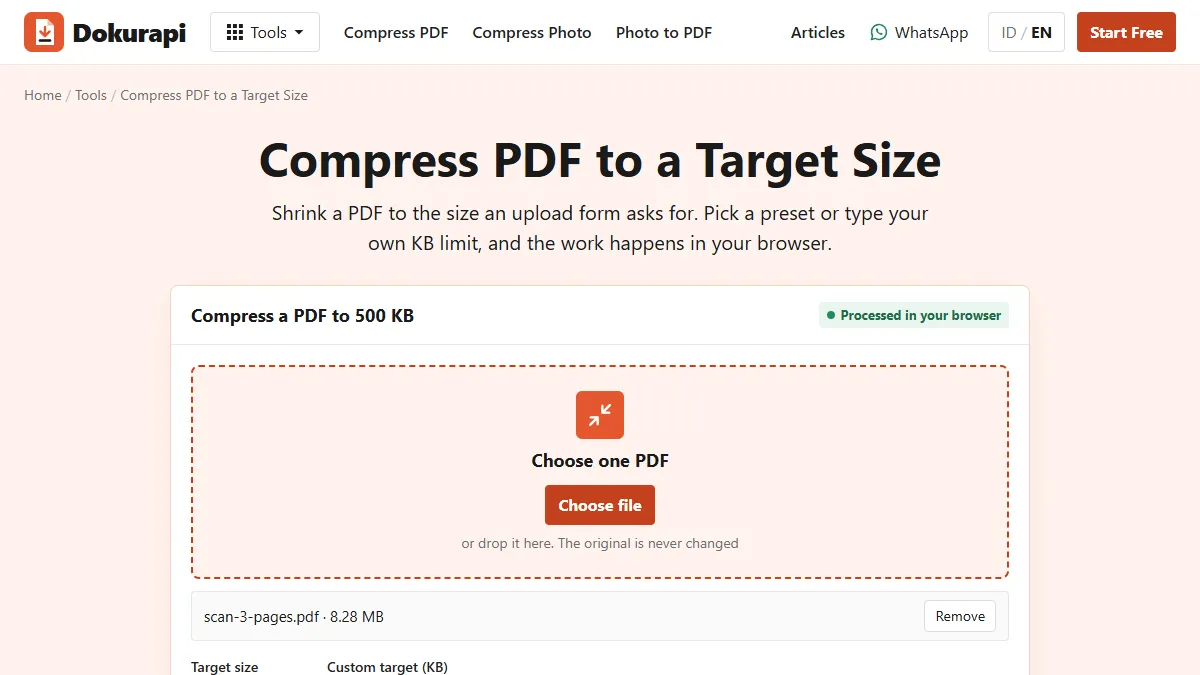
Reduce PDF Size Without Making It Worse
Shrinking a PDF works brilliantly on scans and badly on text documents. We ran both kinds through the live tool and measured the downloaded files to show you which is which.
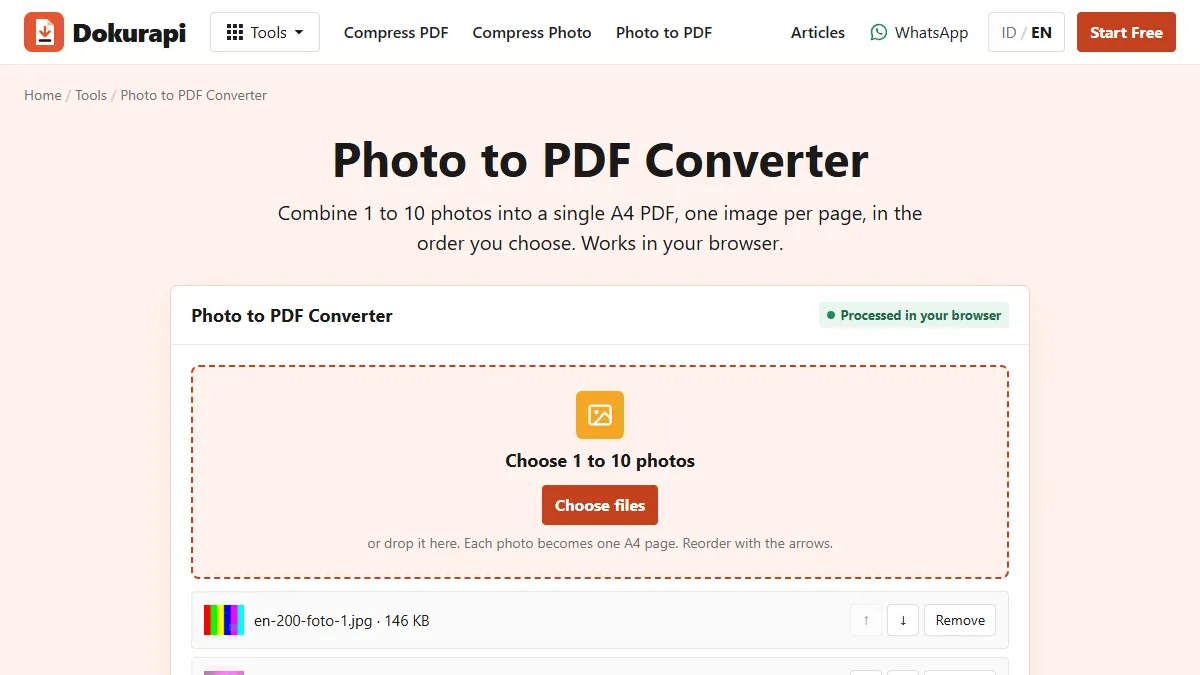
Compress JPG to PDF: Shrink the Photos First, Then Combine
A PDF made from phone photos is almost exactly as big as the photos inside it. We measured both routes on the live tools so you can hit an upload limit on the first try.
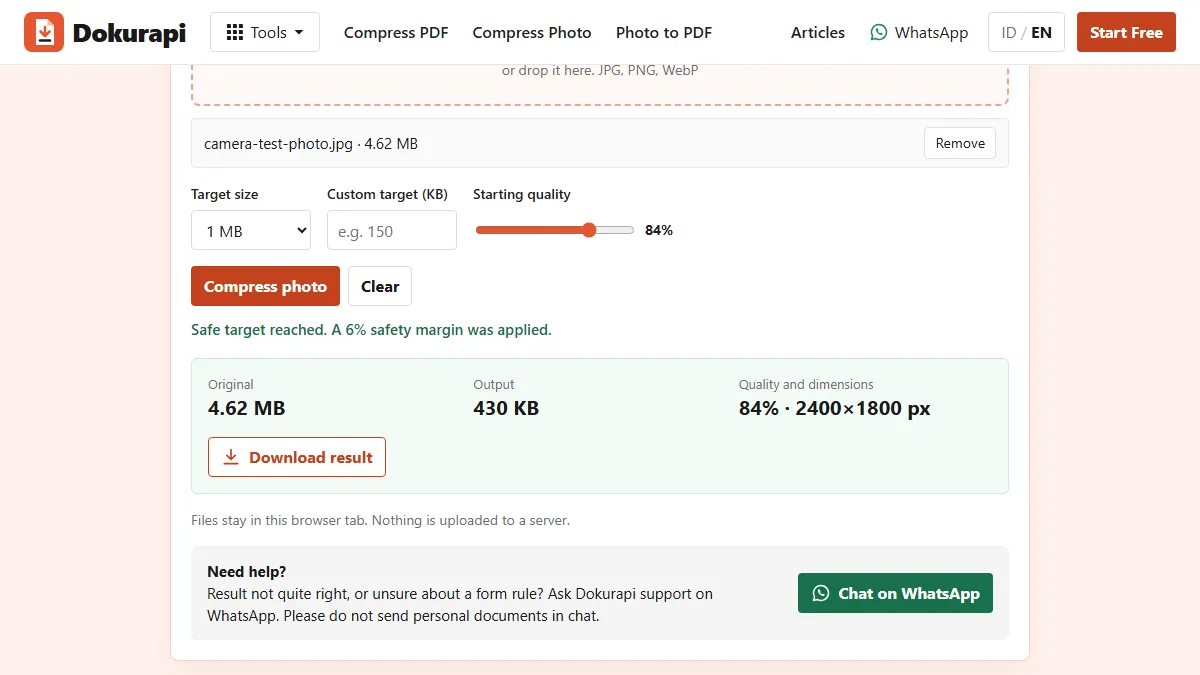
Compress JPG to 1MB: What Changes and What Stays Sharp
A 1 MB limit is the easiest photo target on most forms. We ran five synthetic files through the live tool to show what Dokurapi changes, and when it has to work harder.
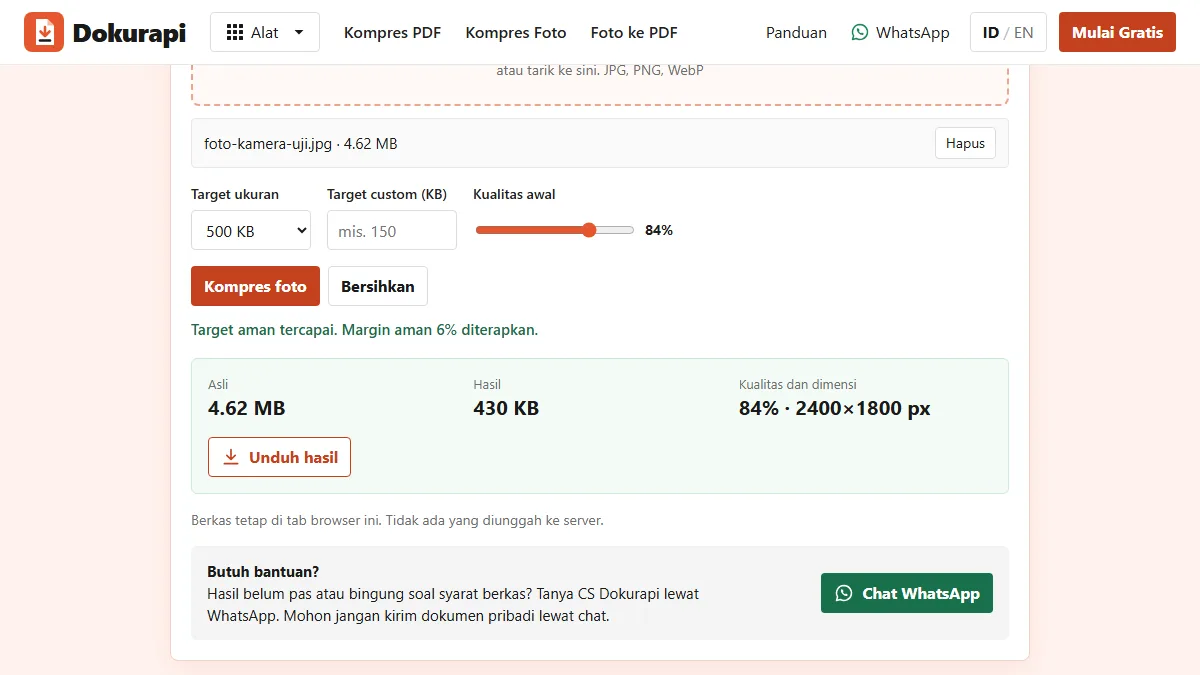
Compress JPG to 500KB Without Losing the Detail That Matters
A 500 KB limit is generous for a form photo but tight for a full camera image. Here is what Dokurapi changes to get there, with measured results from two test photos.
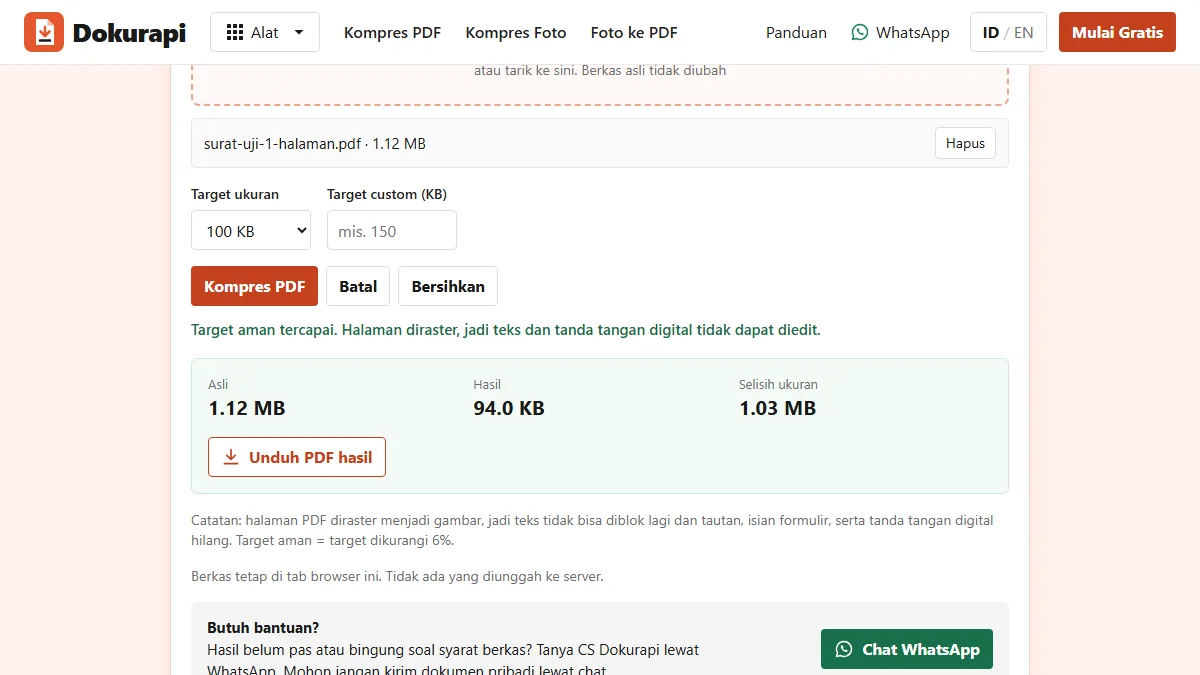
Compress PDF to 100KB: A Tested Method That Stays in Your Browser
A 100 KB PDF limit leaves very little room. Here is how Dokurapi gets a scan under it, what our test files came out at, and what to do when a document will not fit.
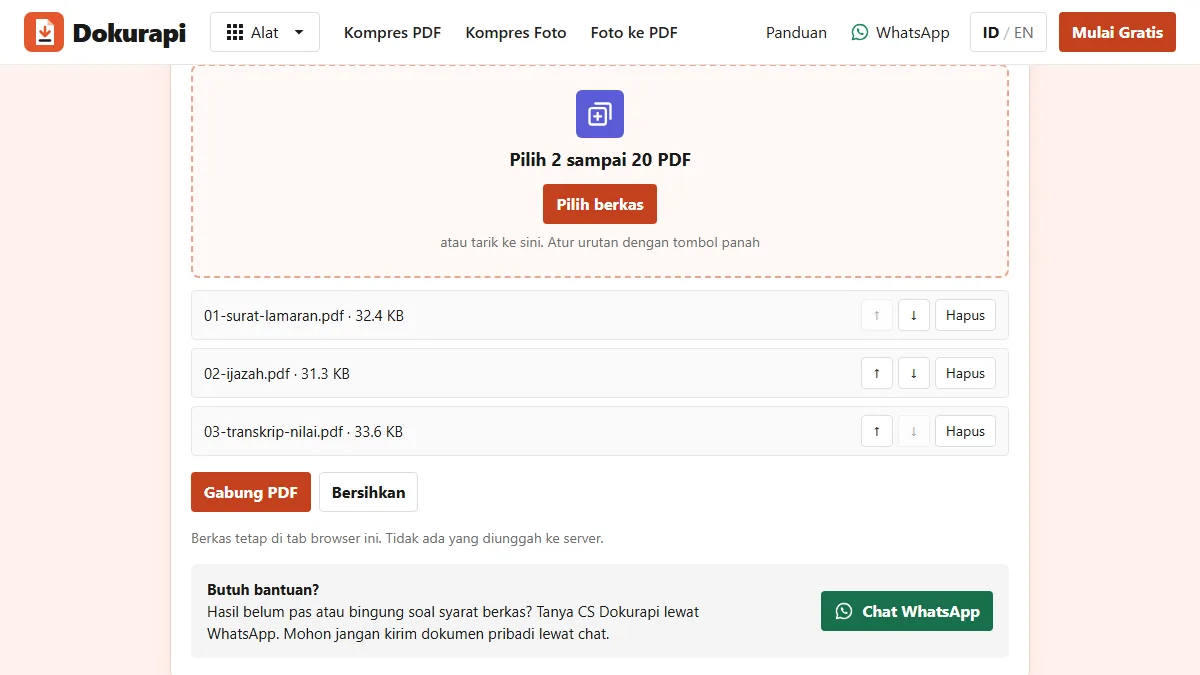
How to Check PDF Page Order and Page Count Before Uploading
A merged PDF can look fine as a file and still have a blank page, a sideways scan, or a transcript before the diploma. A two-minute check catches all of them.
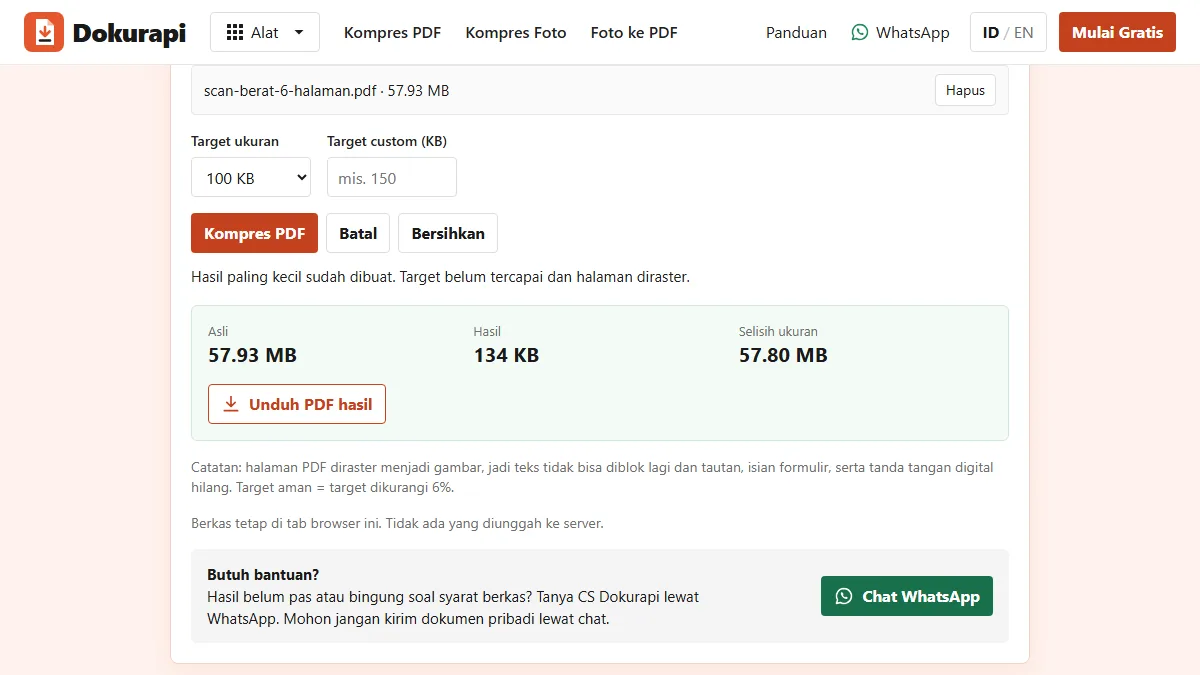
PDF Won't Compress to the Target Size? Why It Happens and How to Fix It
A compressor can only remove so much before pages turn unreadable. Learn what sets the floor, how to calculate a per-page budget, and which fix to try first.
Need help?Result not quite right, or unsure about a form rule? Ask Dokurapi support on WhatsApp. Please do not send personal documents in chat.
Chat on WhatsAppTry Dokurapi for Free
No account needed. Pick a tool, drop in a file, and download the result, free.