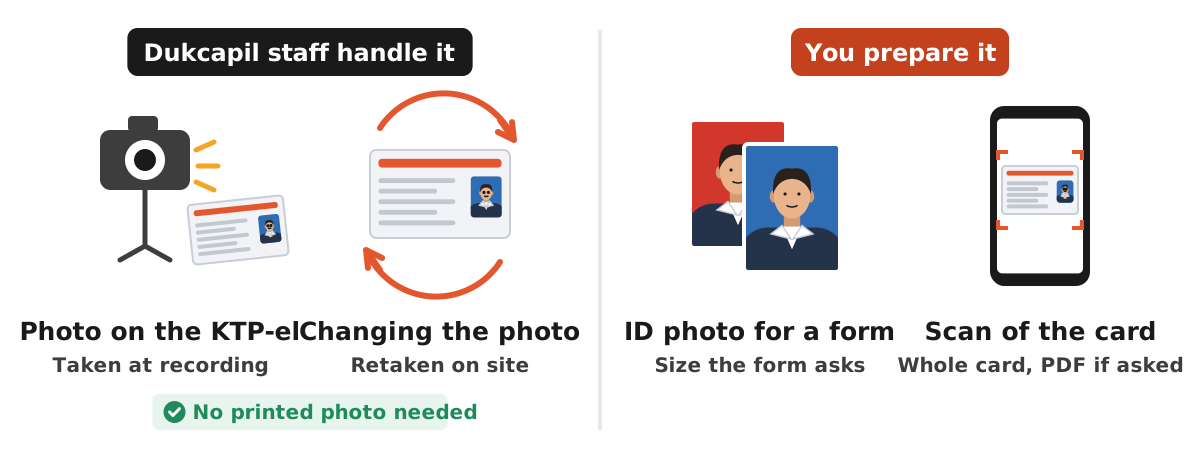
The KTP photo size is not something you prepare yourself, because the photo on Indonesia's electronic ID card (KTP-el) is taken by Dukcapil staff during the recording session. What people usually need is one of three things: the size of the KTP-el card itself (85.60 x 53.98 mm according to the annex of Minister of Home Affairs Regulation 6 of 2011), the background colour rule for KTP photos (blue for even birth years, red for odd birth years, as Ditjen Dukcapil explained to Antara), and a way to make a red or blue background ID photo that looks like a KTP photo for other forms.
This guide covers all three with official sources, explains when the KTP photo can be changed, and shows how to make a red or blue background photo with the Dokurapi red background photo tool and blue background photo tool. Every Dokurapi tool works inside your browser, so your photo is not uploaded to our server.
The photo on a KTP-el is taken by staff, not printed from your picture
Many people assume they must bring a printed 2x3 or 3x4 photo when applying for a KTP, as in the paper card era. The electronic card works differently. Your face is photographed by a camera at the Disdukcapil recording desk, together with fingerprints, iris scan, and signature. The data goes into the population system and is printed straight onto the card with dye sublimation, as described in the annex of Regulation 6 of 2011 on NIK based KTP blank specifications.
In other words, you do not choose the KTP photo size. Staff take the picture and the system places it on the card. Antara, citing Ditjen Dukcapil, also states that residents cannot choose the background colour during KTP-el recording. If your goal is a new KTP, prepare the required documents, not a photo print.
The same annex covers the photo stored in the chip. The photo is kept as a compressed digital image with a minimum record size of 3 kilobytes, and the chip memory is at least 8 kilobytes for personal data, signature, photo, and fingerprints. So the chip photo is a small compressed file, very different from the high resolution pictures in your phone gallery.
Ready to try it? The tool is free and runs in your browser.
Open the red background photo toolKTP-el card size in millimetres
If you are looking for the physical size of the KTP, the number is clear. The annex of Regulation 6 of 2011 lists the physical characteristics of the KTP blank: 85.60 x 53.98 mm, blue gradient, 0.76 mm to 1 mm thick, waterproof, and based on ISO 7810:2003. That is the same size as an ATM or credit card, called the ID-1 format in the ISO standard.
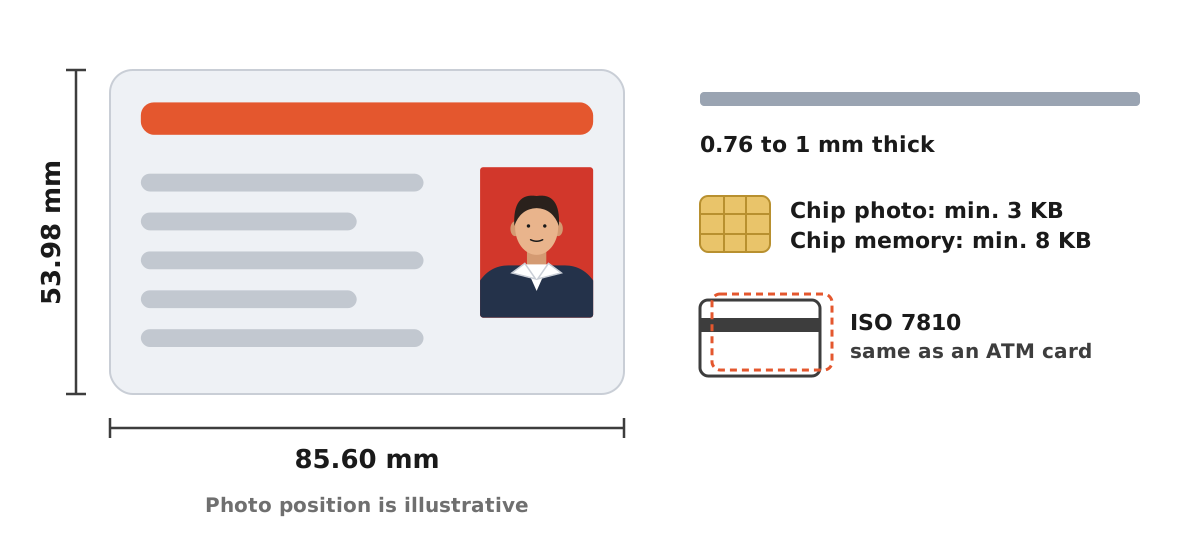
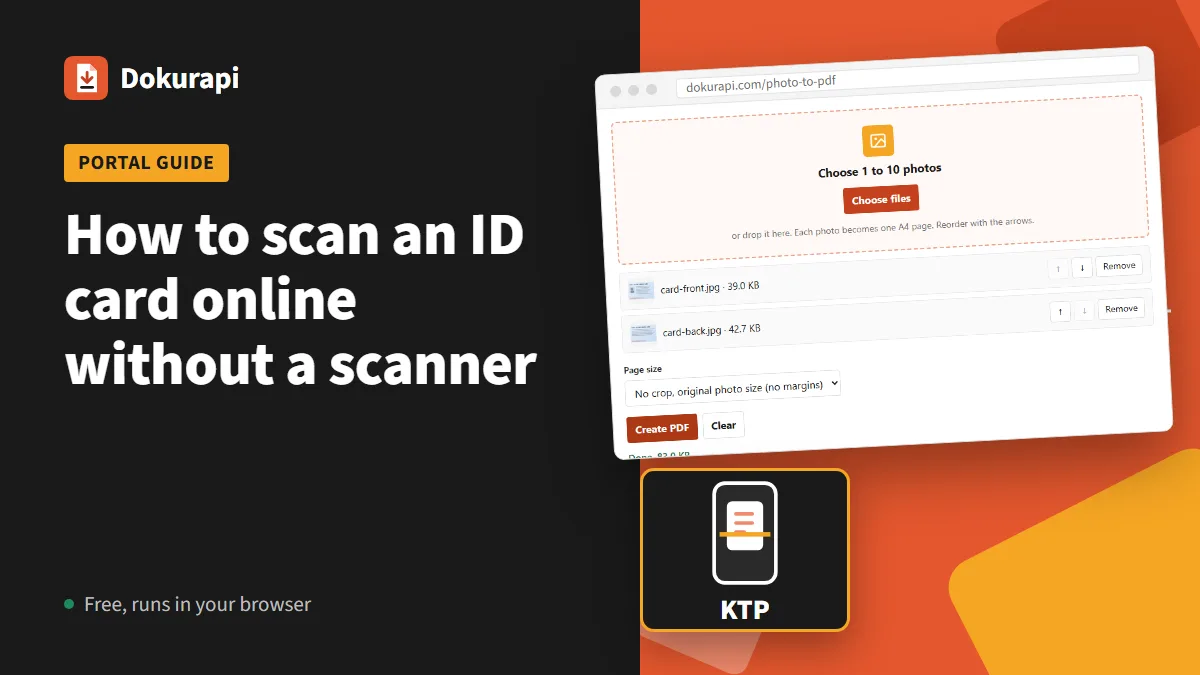
The card size matters when you scan or photograph your KTP for an upload. The card ratio is about 1.59 to 1, so a photo cropped exactly at the card edges is a wide rectangle. If your crop looks squarer or longer than that, part of the card is cut off or the desk is still in the frame. How to photograph and crop a KTP so the text stays readable is covered in our guide to scanning an ID card.
When you print a colour copy of your KTP on A4 paper, 85.60 x 53.98 mm is also the reference that keeps the copy from being too small or too large. If a form wants the copy as a PDF, use the photo to PDF tool and pick the page mode that fits.
KTP photo background colour: red and blue
The next common question is why some KTP photos have a red background and others a blue one. Antara, in a 25 July 2026 article based on an explanation from Ditjen Dukcapil of the Ministry of Home Affairs, wrote that blue backgrounds are for Indonesian citizens born in even years and red backgrounds for those born in odd years.
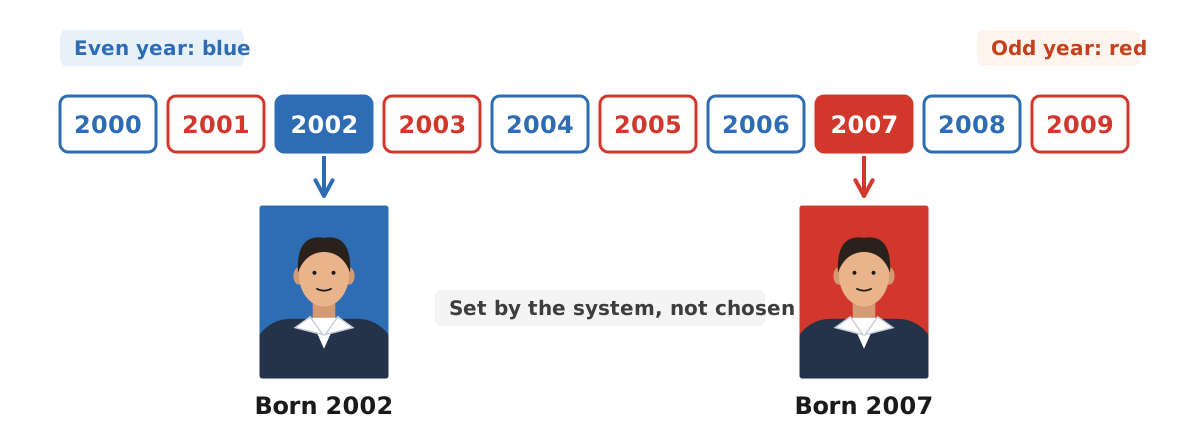
A few points follow from this rule:
- The applicant does not choose the colour. The system sets it from the birth year in the population record.
- The colour does not change what the card does. Red and blue KTPs are equally valid as official identity.
- If the colour does not match your birth year, do not edit the card photo yourself. Ask your local Disdukcapil, because the card data is linked to the national population database.
This rule is also why many agencies and campuses ask for red or blue background photos. Forms for other purposes do not always follow the birth year rule, though. An agency may ask every applicant for a red background. Follow the announcement of the agency you apply to, then read our guides to the red background ID photo and the blue background ID photo for the technical details.
Can the KTP photo be changed
Plenty of people dislike their KTP photo and want a new one. The official Ditjen Dukcapil site explains the rule by referring to Minister of Home Affairs Regulation 74 of 2015 on changing population data elements on the KTP-el. Under Article 13 as quoted there, the photo element is changed when the resident undergoes a permanent physical change.
Examples given by Dukcapil include serious injury, illness, surgery, or other causes that significantly change the face. Dukcapil also lists starting to wear a hijab as a physical change. Simply disliking the result is not a reason that qualifies.
| Situation | Can the photo change? | What to bring to Disdukcapil |
|---|---|---|
| Permanent change of face after injury, illness, or surgery | Yes, under Article 13 of Regulation 74/2015 | Old KTP-el, family card, doctor's letter if any |
| Started wearing a hijab | Yes, Dukcapil counts it as a physical change | Old KTP-el and family card |
| Lost KTP-el | Follow the card replacement service | Police loss report and family card |
| Physically damaged card | According to Dukcapil, a photo change because of card damage cannot be done yet | Ask about card replacement at your local Disdukcapil |
| Do not like the photo | Not a qualifying reason | Nothing |
The process happens at the Disdukcapil office. According to Dukcapil, staff retake the photo on site, then a new card is printed with the updated photo and the population administration system is updated. Again, you do not need a printed photo. Requirements can differ by region, so check the announcement from your city or regency Disdukcapil before you go.
Making a red or blue background photo like a KTP photo
Even though the card photo is taken by staff, you are often asked for a red or blue background photo for something else: a job application, a police clearance certificate (SKCK), a diploma, a student card, or an online registration. For these, you can make the photo yourself from a phone picture.
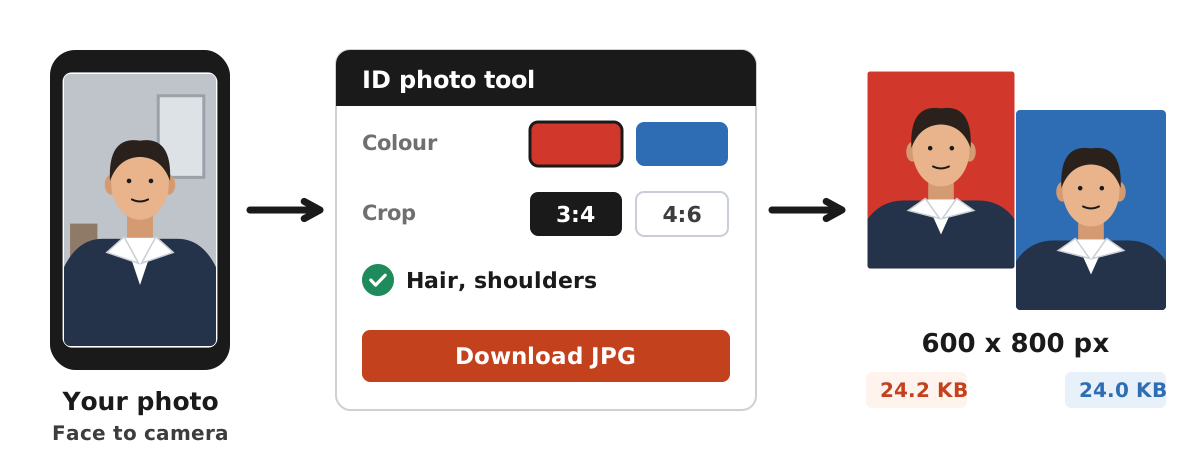
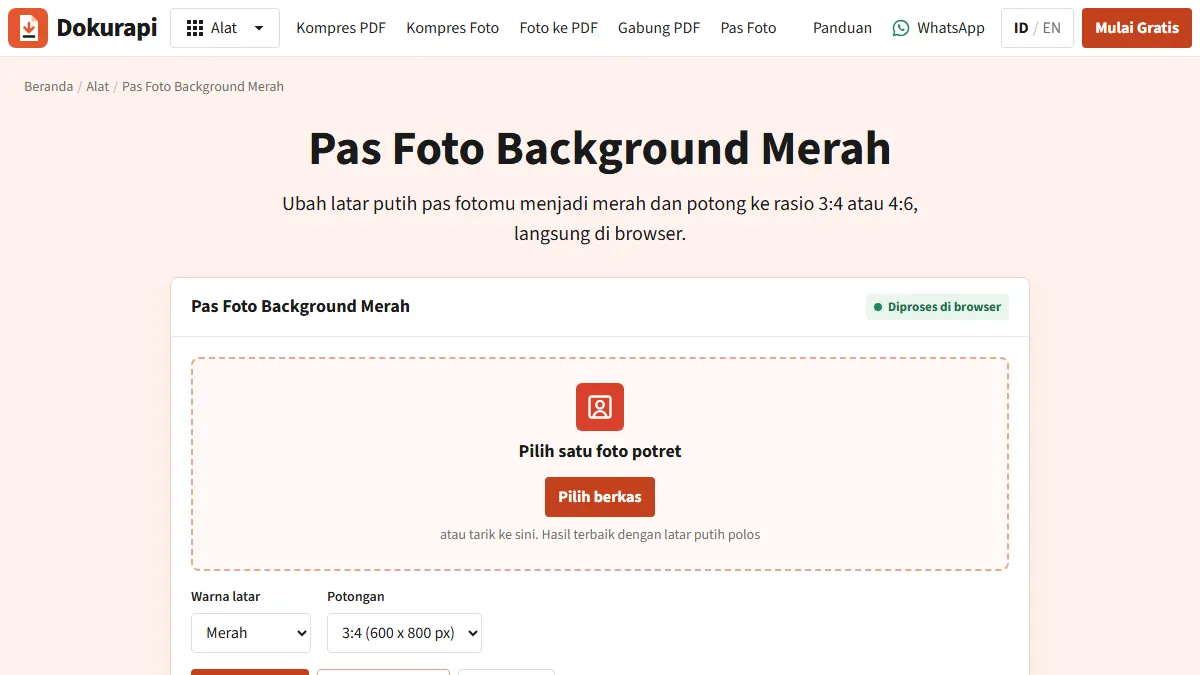
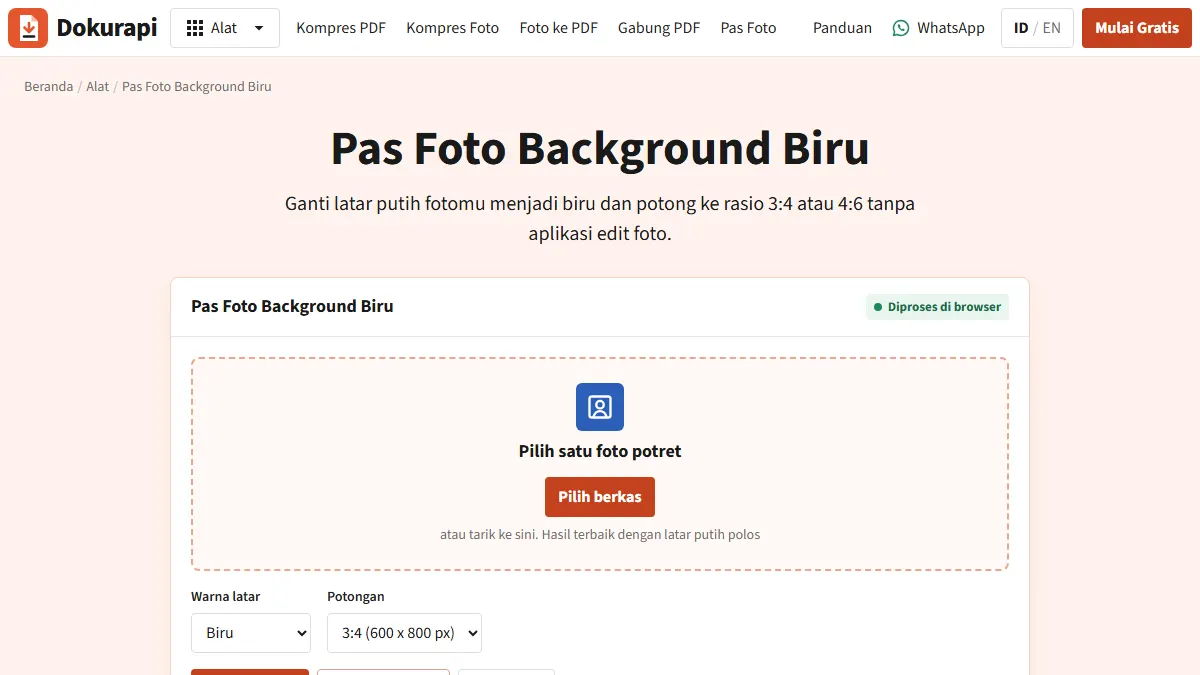
- Open the red background tool or the blue background tool, matching the colour the form asks for.
- Choose a portrait with the face to the camera, even light, and a background as plain as possible.
- Choose the 3:4 crop for 3x4 photos, or 4:6 for 4x6 and 2x3 photos.
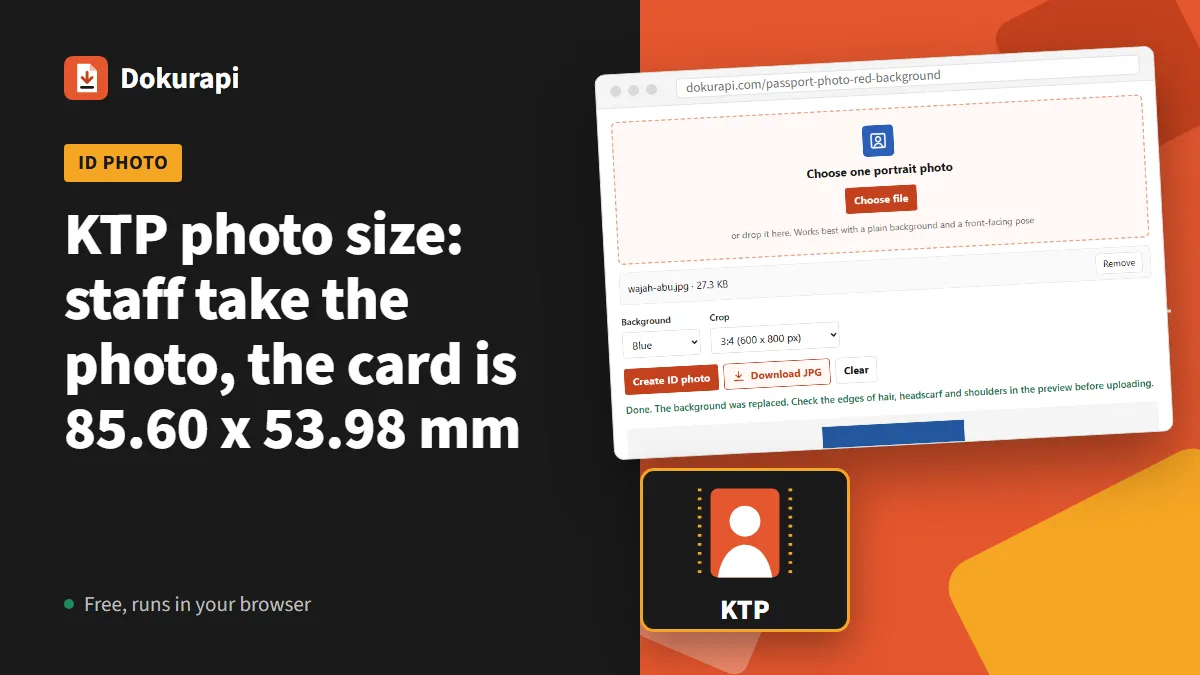
- Click the button to make the photo, then check the edges of hair, headscarf, and shoulders in the preview.
- Download the JPG. If the portal limits file size, shrink it with compress image to 100 KB or compress image to 200 KB.
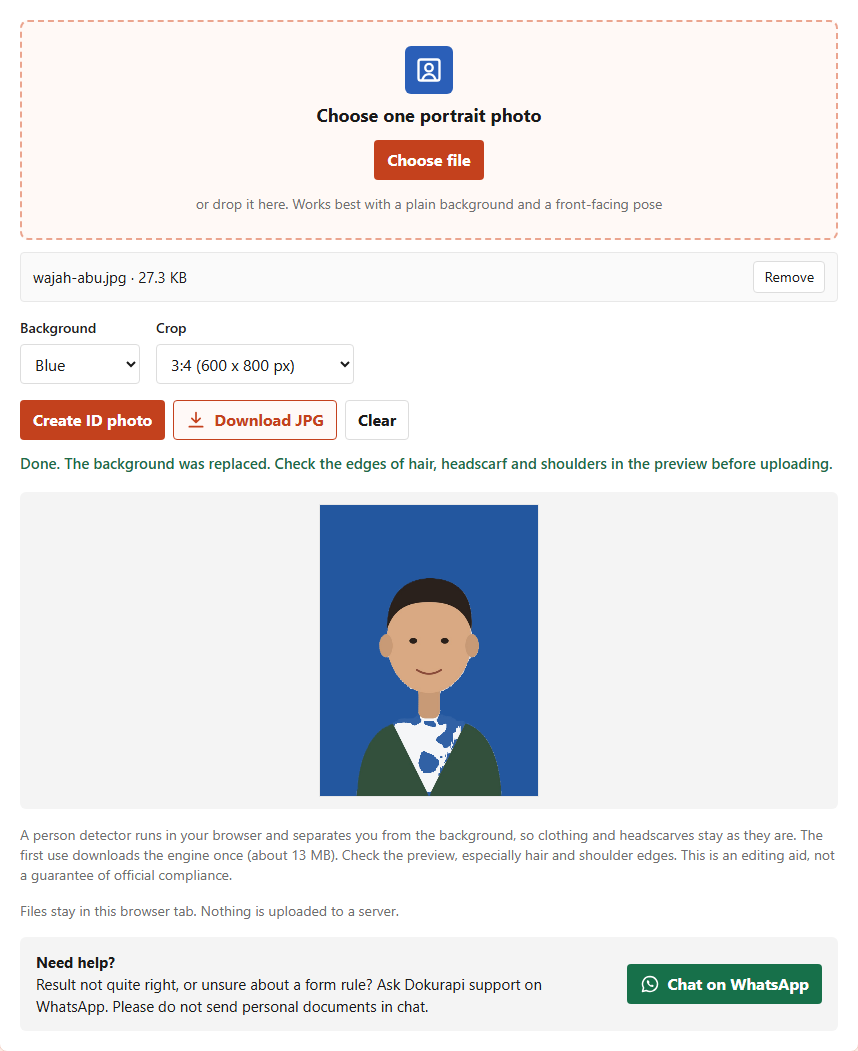
In our test on 14 November 2026, the blue background tool turned a grey background face illustration into a 600 x 800 pixel file of 24.0 KB, and the red background tool produced 600 x 800 pixels at 24.2 KB. Real photos are usually larger because faces and clothing carry more detail. The tool is an editing aid, not a guarantee that the photo will be accepted. Size guides for each format are in our articles on the 3x4 photo size, the 2x3 photo size, and the 4x6 photo size.
File size when you upload a KTP photo to a portal
There is one more meaning of KTP photo size: the file size when a portal asks you to upload a photo or scan of your KTP. Here the unit is not centimetres but kilobytes. Every portal sets its own limit, for example 200 KB, 500 KB, or 1 MB, and the format may be JPG or PDF.
A safe order of work:
- Photograph the whole card in even light, without lamp glare on the photo and NIK area.
- Crop exactly at the card edges, matching the 85.60 x 53.98 mm ratio. Our guide on how to crop a photo shows how.
- If JPG is required, shrink it with compress image to a target below the limit. Keep a safety margin: for a 200 KB limit, aim for about 188 KB.
- If PDF is required, convert it with photo to PDF, then check the size with check PDF size.
The difference between KB and MB is explained in 200 KB to MB, and a general pre upload checklist is in check file size before upload.
Protecting your data when you use a KTP photo
A KTP photo shows your NIK, name, date of birth, and address. Leaked data can be used for fraud or loans you never applied for. A few simple habits help:
- Upload only to official portals. Check the site address before sending a KTP photo.
- Delete copies you do not need. After the upload, remove the KTP photo from chat groups and download folders.
- Do not send KTP photos by chat to unknown parties. Dokurapi support does not need your personal documents either.
- Use tools that process files on your device. Dokurapi tools work in the browser tab and files are not sent to our server. The details are in how browser tools work.
If you prepare several documents for one application, keep one high resolution master file in a dedicated folder and create compressed upload versions from it. That way you do not need to photograph your KTP again for every new registration, and the risk of sending the wrong file drops. To combine your KTP with other documents into one PDF, use merge PDF and read the guide to merging PDFs for submissions.
Frequently asked questions
What is the KTP photo size?
Do I need to bring a photo to make a KTP?
Why are some KTP photos red and others blue?
Can I choose my KTP background colour?
Can I change my KTP photo because I do not like it?
How big is the photo stored in the KTP chip?
Can Dokurapi make a photo like a KTP photo?
What file size should a KTP photo upload be?
Sources
- Perbedaan latar merah dan biru pada foto KTP (Indonesian), Antara, 25 July 2026
- Bolehkah Mengganti Pas Foto di KTP-el? (Indonesian), Ditjen Dukcapil, Ministry of Home Affairs
- Annex to Minister of Home Affairs Regulation 6 of 2011, KTP blank specifications (Indonesian)
Need help?Result not quite right, or unsure about a form rule? Ask Dokurapi support on WhatsApp. Please do not send personal documents in chat.
Chat on WhatsApp